
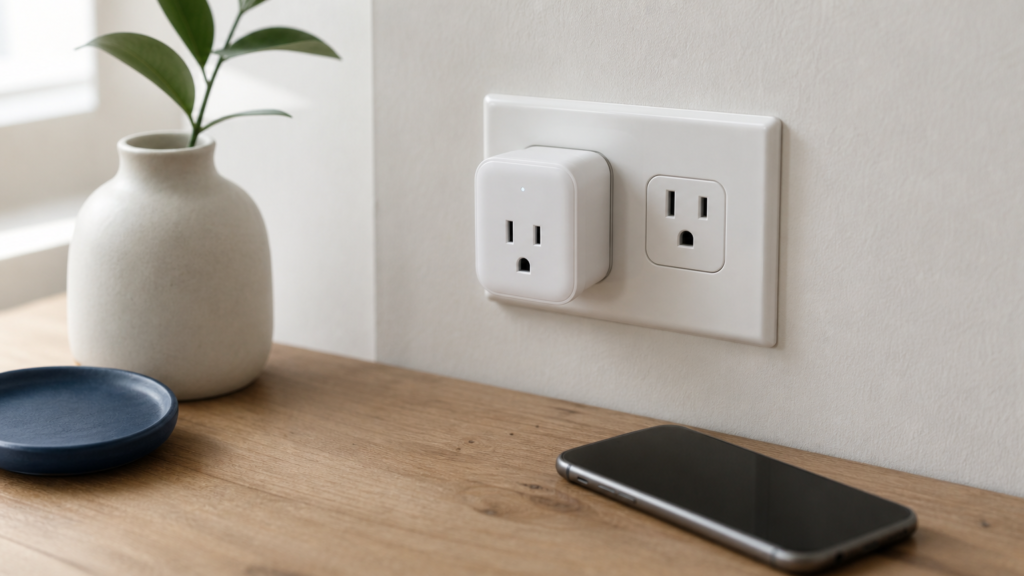
You want to turn any lamp, fan, or coffee maker into something you can control from your phone, and a smart plug with wifi is the cheapest way to get there. No hub required, no electrician, just plug it into an outlet, connect it to your home network, and you’re controlling power with a tap or a voice command through Alexa or Google Assistant.
If you’re trying to figure out which model actually works well versus which one drops connection every other day, you’re in the right place. We tested the top options for reliable connectivity, app responsiveness, and energy monitoring features, since not every plug on Amazon delivers what its listing promises.
Below you’ll find our 5 top picks, covering budget models, energy-tracking options, and plugs built for outdoor use. We’ll also walk you through basic setup steps and what to check before buying, so you can pick the right one for your outlets and your router the first time.
1. TP-Link Kasa Smart Wi-Fi Plug Slim
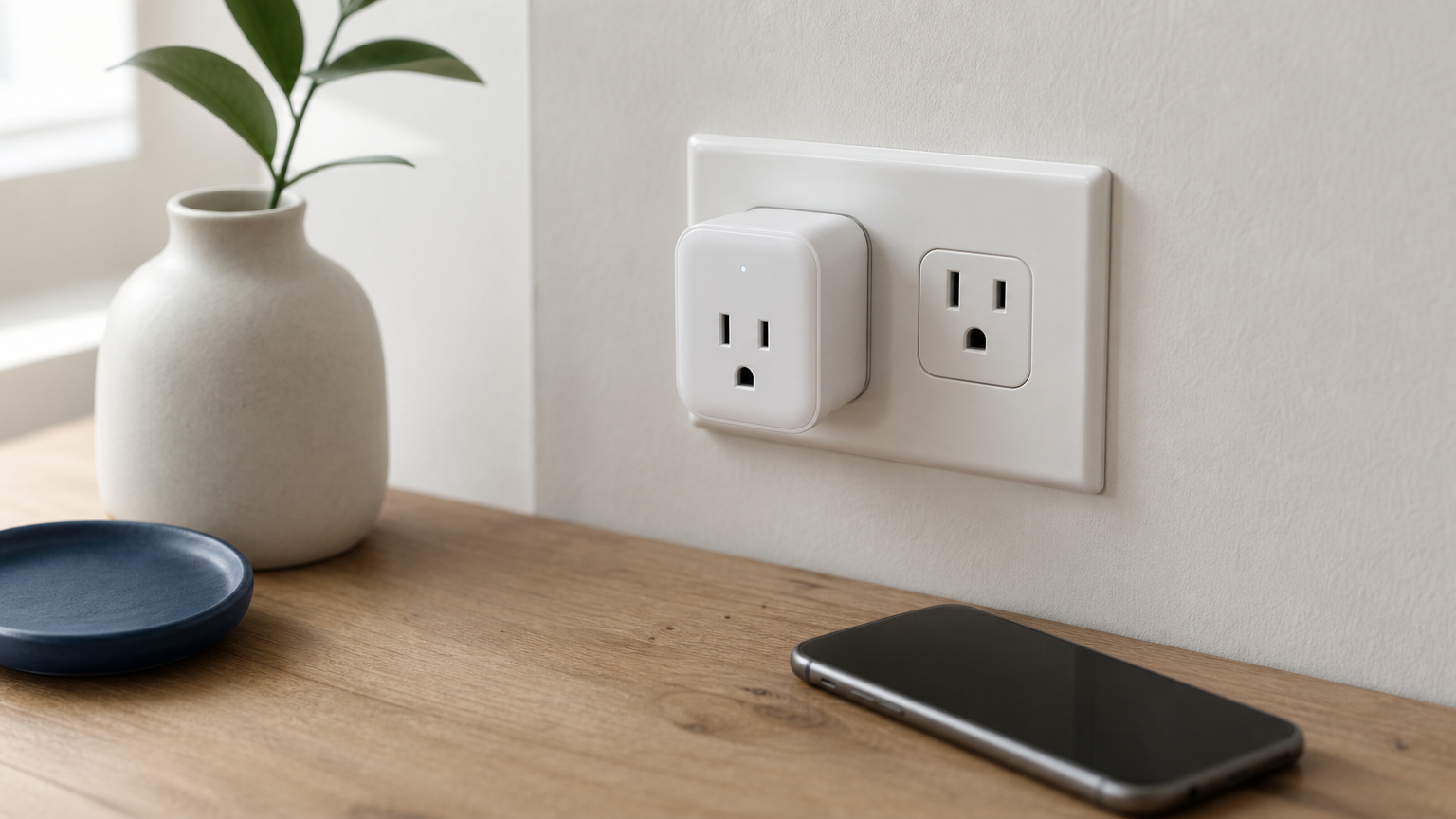
TP-Link’s Kasa Slim line has been our top pick for two years running, and it’s still the plug we recommend first to anyone asking about a wifi smart plug for everyday outlets (if you’re torn between budget brands, see how Kasa compares to Wyze). It’s small enough to fit two to an outlet without blocking the second socket, which sounds minor until you’ve fought with a bulky plug that hogs both slots on a power strip.
How it works
Setup takes under five minutes: plug it in, download the Kasa Smart app, and connect it to your 2.4GHz wifi network (it won’t see a 5GHz-only network, so check your router settings first). Once paired, you control it from the app, by voice through Alexa or Google Assistant, or with a physical button on the plug itself for manual override.
Who it’s for
This plug suits anyone who wants a no-hub smart plug that just works without extra hardware or a steep learning curve. It’s a solid starter device for beginners building their first smart home, alongside a smart home starter kit you can set up in 30 minutes, and equally useful for experienced users adding another outlet to an existing Kasa setup.
A smart plug is only as good as its app, and Kasa’s is the most stable one we tested.
Key features
- Compact, single-outlet-friendly design
- Scheduling and countdown timers
- Away mode that randomizes on/off times to simulate occupancy
- Works with Alexa, Google Assistant, and Samsung SmartThings
Price
Expect to pay around $12 to $15 for a single unit, with multi-packs bringing the per-plug cost down further. Check the current listing on Amazon for the latest pricing and multipack deals.
2. Amazon Basics Smart Plug
Amazon’s own budget entry earns its spot for one reason: it’s the cheapest wifi enabled smart plug that still delivers stable performance with Alexa. If you’re already living inside the Amazon ecosystem, this plug removes any guesswork about compatibility, and if you’re still deciding between Alexa and Apple HomeKit, that choice matters more than the plug itself.
How it works
Plug it into any standard outlet, open the Alexa app, and add it as a new device. Because Amazon designed it specifically for Alexa, pairing is nearly instant, though the plug still supports Google Assistant if that’s your preferred voice platform. It runs on 2.4GHz wifi only, same as most budget smart plugs.
Who it’s for
Shoppers who already own an Echo device and want the simplest possible setup will get the most value here. It also suits anyone stocking up on multiple smart plugs for a whole-house project on a tight budget, and it helps to know the best spots to put smart plugs before you order in bulk.
If you own an Echo already, this plug is the fastest path to voice-controlled outlets.
Key features
- Single-outlet compact body
- Scheduling and timers through the Alexa app
- No hub required
- Voice control via Alexa or Google Assistant
Price
Usually $10 to $13 per plug, often cheaper in 4-packs on Amazon.
3. GE Cync Indoor Smart Plug
GE’s Cync line brings a familiar brand name into the smart plug wifi space, and it holds up well against pricier competitors. Built by a company that’s made lighting and electrical gear for decades, this plug feels sturdier than some budget alternatives, with a wider prong spacing that grips outlets firmly instead of sagging.
How it works
Download the Google Home or Cync app, plug the device in, and follow the pairing prompts on your 2.4GHz network. Once connected, you get app control, voice commands through Alexa or Google Assistant, and access to GE’s broader Cync ecosystem if you already own their bulbs or switches.
Who it’s for
Homeowners who already use GE Cync lighting will appreciate having one app manage plugs and bulbs together. It also suits buyers who want a wifi plug smart enough to group with existing smart lighting scenes.
Buying into one brand’s ecosystem early saves you app-switching headaches later, so it pays to read a smart home brand comparison first.
Key features
- Compatible with existing Cync lighting setups
- Voice control via Alexa and Google Assistant
- Scheduling and grouping with other Cync devices
- Sturdy plug design for standard outlets
Price
Single units typically run $10 to $14 on Amazon.
4. BN-LINK Smart WiFi Outlet
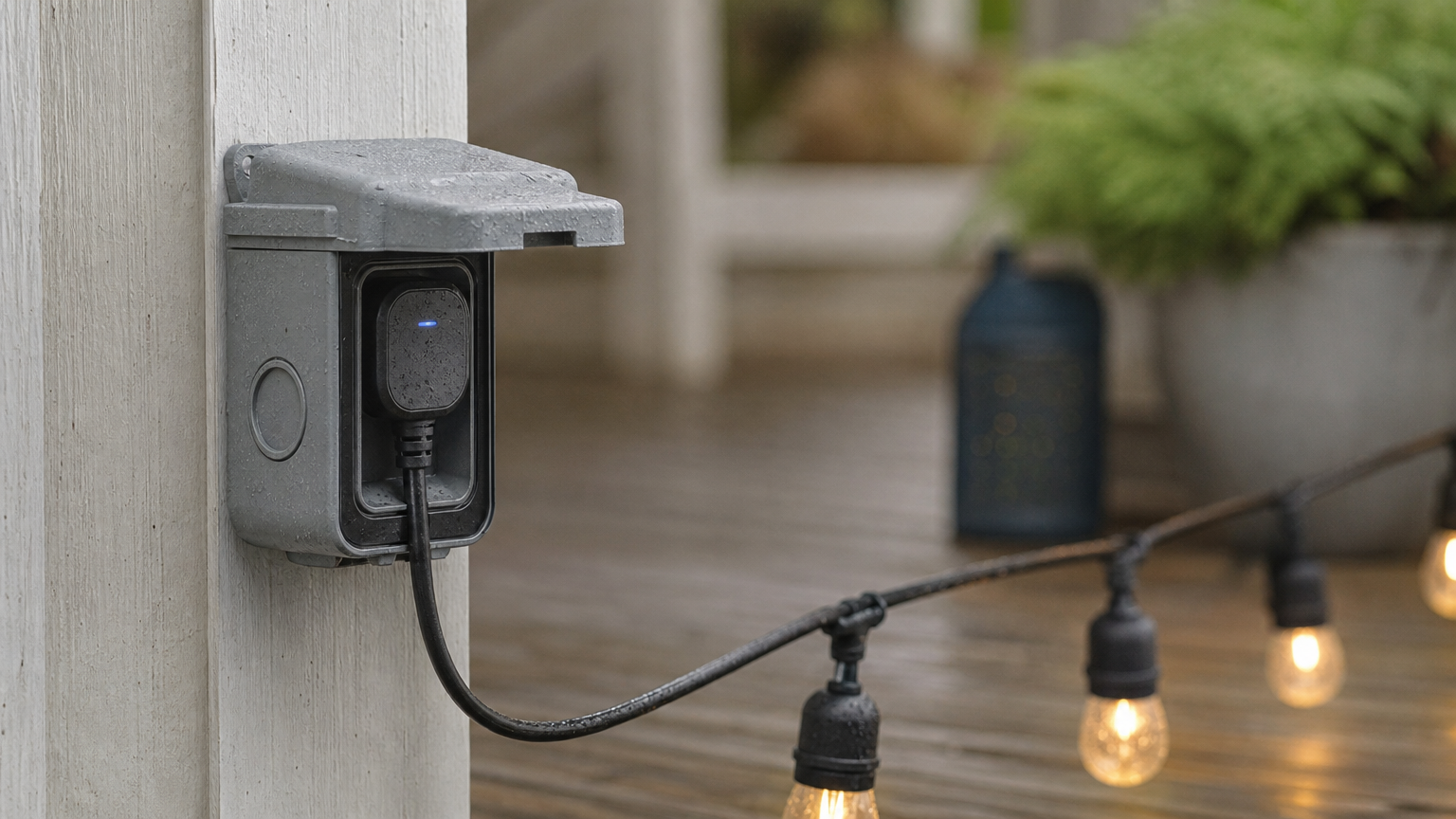
BN-LINK carved out a niche as the go-to brand for outdoor and heavy-duty smart plugs, and its indoor smart plug for wifi use holds up just as well. Unlike the slim, single-outlet models above, several BN-LINK versions include a built-in outdoor-rated housing, making it the plug to grab if you’re automating string lights or a porch fan rather than a lamp on your nightstand.
How it works
Download the BN-LINK Smart Life app, plug the outlet in, and pair it over your 2.4GHz wifi network just like the other models here. From there you get scheduling, remote on/off, and voice control through Alexa or Google Assistant, though the app itself feels a step behind Kasa’s in polish.
Who it’s for
Anyone automating outdoor fixtures, a garage setup, or holiday lights on a smart plug should look here first. It also suits buyers who want a wifi plug smart enough to survive rain and temperature swings without a separate weatherproof cover.
Indoor plugs won’t survive a winter on your porch, so match the plug to the outlet’s environment.
Key features
- Outdoor-rated versions with weatherproof covers
- Two independently controlled outlets on some models
- Scheduling and countdown timers
- Works with Alexa and Google Assistant
Price
Expect $16 to $22 depending on outdoor rating and outlet count, available on Amazon.
5. Energizer Connect Smart Wi-Fi Plug
Energizer’s move into home automation brings its battery-brand reputation for reliability to a smart wifi plug that focuses on energy tracking rather than flashy extras. It’s the pick for anyone who wants to see actual watt-hours consumed, not just an on/off toggle.
How it works
Once plugged in, you download the Energizer Connect app and pair the device to your 2.4GHz network in a few taps. From there, the app displays real-time energy usage alongside standard scheduling and remote control, and it works with Alexa or Google Assistant for voice commands.
Who it’s for
This plug suits budget-watchers who want to know exactly what an appliance costs to run each month, and it sits comfortably alongside other cheap smart home devices under $50. It’s also a good fit for renters who want a plug smart wifi device without committing to a whole ecosystem of matching gear.
If you care about your electric bill more than smart home bragging rights, energy monitoring beats extra app features.
Key features
- Real-time energy monitoring in the app
- Scheduling and away mode
- Works with Alexa and Google Assistant
- Compact single-outlet design
Price
Typically $13 to $16 per unit on Amazon.
Which smart plug fits your home best
Picking the right smart plug with wifi comes down to matching the device to your actual outlet, not chasing extra features you’ll never use. Grab the TP-Link Kasa Slim if you want the most reliable all-around performer, the Amazon Basics plug if you’re already deep in the Alexa ecosystem, or the BN-LINK outlet if you’re automating anything outdoors.
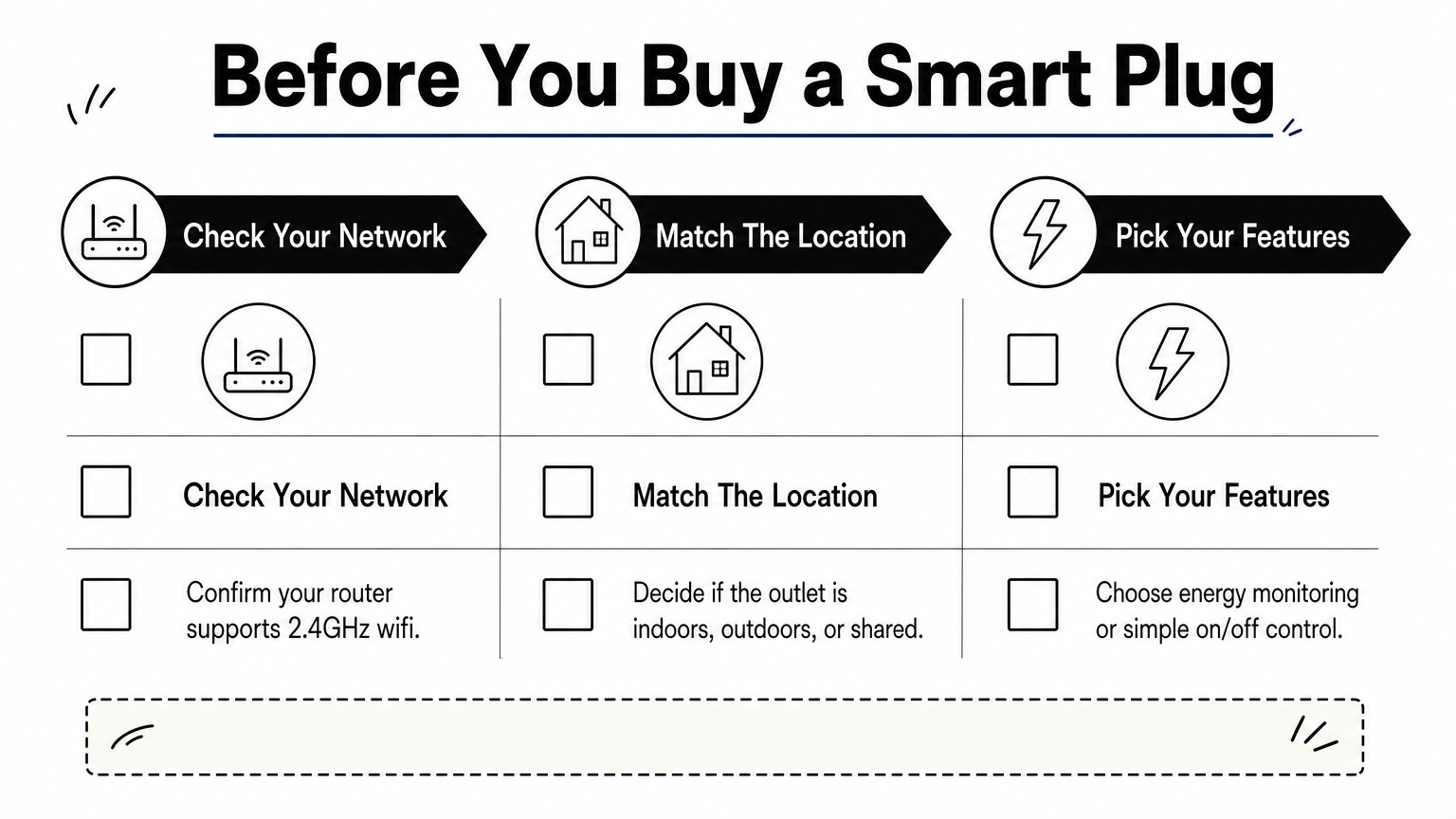
Questions to ask before you buy:
- Does your router support 2.4GHz, and is it strong enough near the outlet?
- Do you need energy monitoring, or just basic on/off control?
- Is the outlet indoors, outdoors, or shared with another plug?
Setup takes minutes once you’ve answered those, and any of these five plugs will get you voice-controlled outlets without a hub. Once your plug arrives, follow our smart plug setup guide that works in 2 minutes or less to get it paired and running the same day.
You Might Also Like

James is the voice behind our beginner-friendly setup guides. As a self-taught smart home enthusiast, he understands exactly what first-time buyers need to know.
All articles by James →