
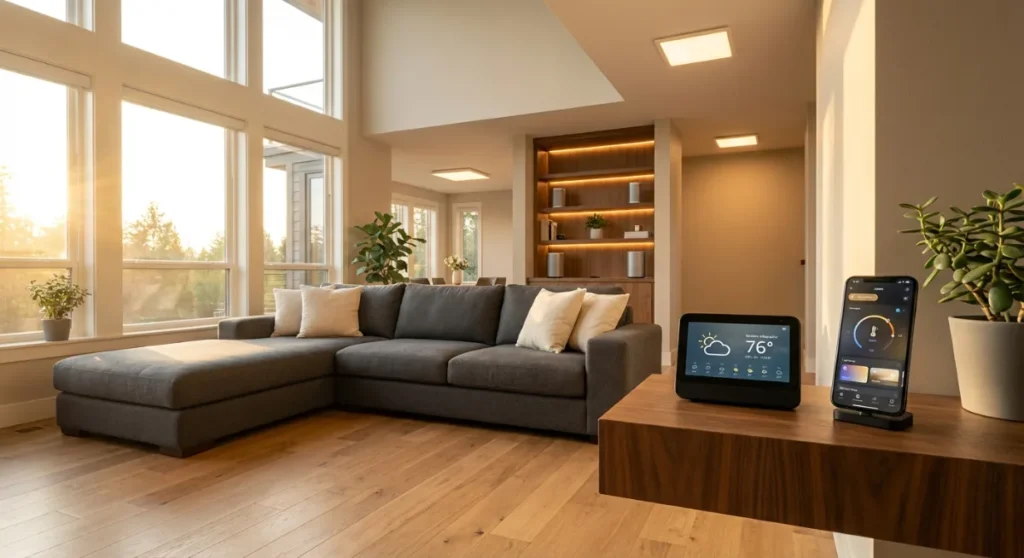
Starting your smart home journey can feel overwhelming with the countless devices, platforms, and possibilities available today. However, with the right approach and planning, creating an intelligent, connected home that simplifies your daily life is more achievable than ever. This comprehensive guide will walk you through every step of building your smart home ecosystem, from choosing the right foundation to implementing advanced automation that truly makes your life easier.
Whether you’re a complete beginner or looking to expand your existing setup, this ultimate smart home setup guide covers everything you need to know to create a connected home that works seamlessly for your lifestyle and budget.
Understanding Smart Home Basics
Before diving into product recommendations and setup instructions, it’s essential to understand what makes a home “smart” and how these systems work together. A smart home is essentially a network of connected devices that can communicate with each other and be controlled remotely through your smartphone, voice commands, or automated routines.
Core Components of Every Smart Home
Every successful smart home setup relies on four fundamental components:
- Hub or Control Center: The brain of your smart home that connects and coordinates all devices
- Communication Protocol: The language your devices use to talk to each other (Wi-Fi, Zigbee, Z-Wave, etc.)
- Smart Devices: The actual products that perform automated functions
- Control Interface: How you interact with your smart home (apps, voice assistants, physical controls)
Understanding these basics helps you make informed decisions as you build your smart home ecosystem. The key is choosing components that work well together and can grow with your needs over time.
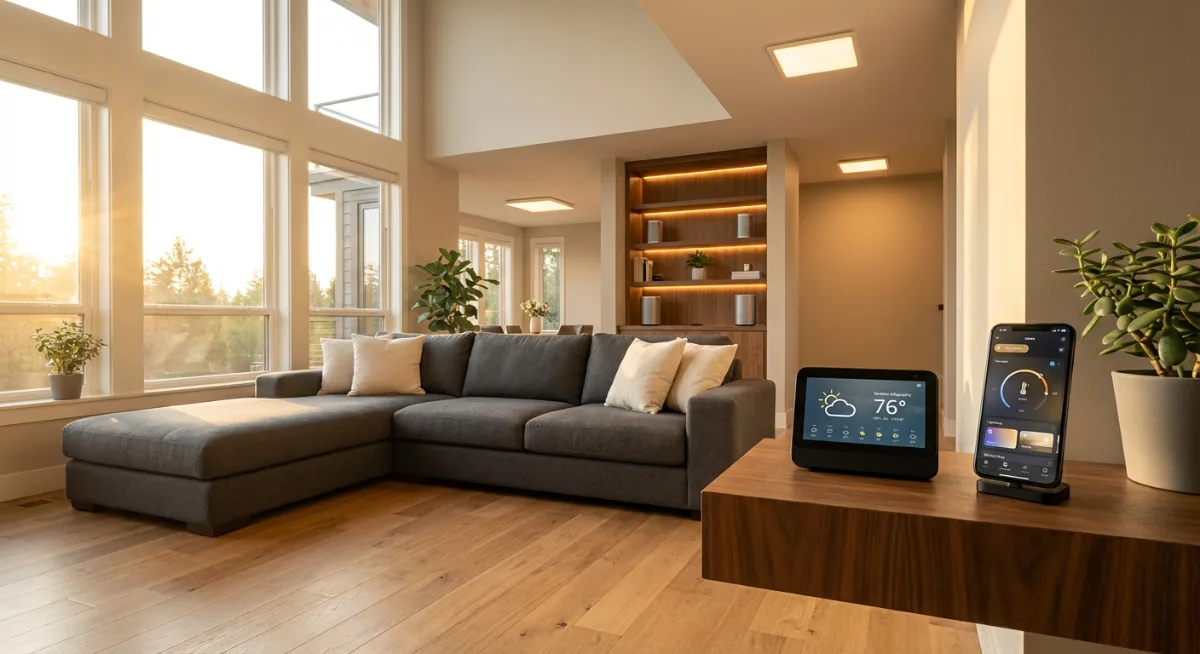
Choosing Your Smart Home Platform
Your choice of smart home platform will significantly impact your experience and future expansion options. The major platforms each have their strengths and limitations, so selecting the right one for your needs is crucial.
Popular Smart Home Ecosystems
Amazon Alexa: Offers the widest device compatibility and strong voice control capabilities. The Amazon Echo series provides excellent value and extensive third-party support.
Google Home/Nest: Excels at natural language processing and integrates seamlessly with Google services. Perfect for households already invested in the Google ecosystem.
Apple HomeKit: Provides superior privacy and security features with seamless integration across Apple devices. The Apple HomePod serves as both a hub and premium speaker.
Samsung SmartThings: Offers one of the most flexible platforms with support for multiple communication protocols and extensive customization options.
Making the Right Choice
Consider these factors when selecting your platform:
- Your existing device ecosystem (iPhone vs. Android, Google vs. Microsoft)
- Privacy preferences and security requirements
- Budget considerations for both initial setup and ongoing expansion
- Technical comfort level and desired customization depth
- Specific device compatibility requirements
Essential Smart Home Devices for Beginners
Starting your smart home journey doesn’t require a massive investment. Focus on devices that provide immediate value and can serve as building blocks for more advanced automation later.
Smart Lighting Solutions
Smart lighting is often the best entry point into home automation. It’s affordable, easy to install, and provides immediate benefits. The Philips Hue system remains the gold standard, offering excellent color options and reliable performance.
Start with a few key areas:
- Living room main lighting for ambiance control
- Bedroom lamps for gentle wake-up routines
- Kitchen under-cabinet lighting for task illumination
- Exterior porch lights for security and convenience
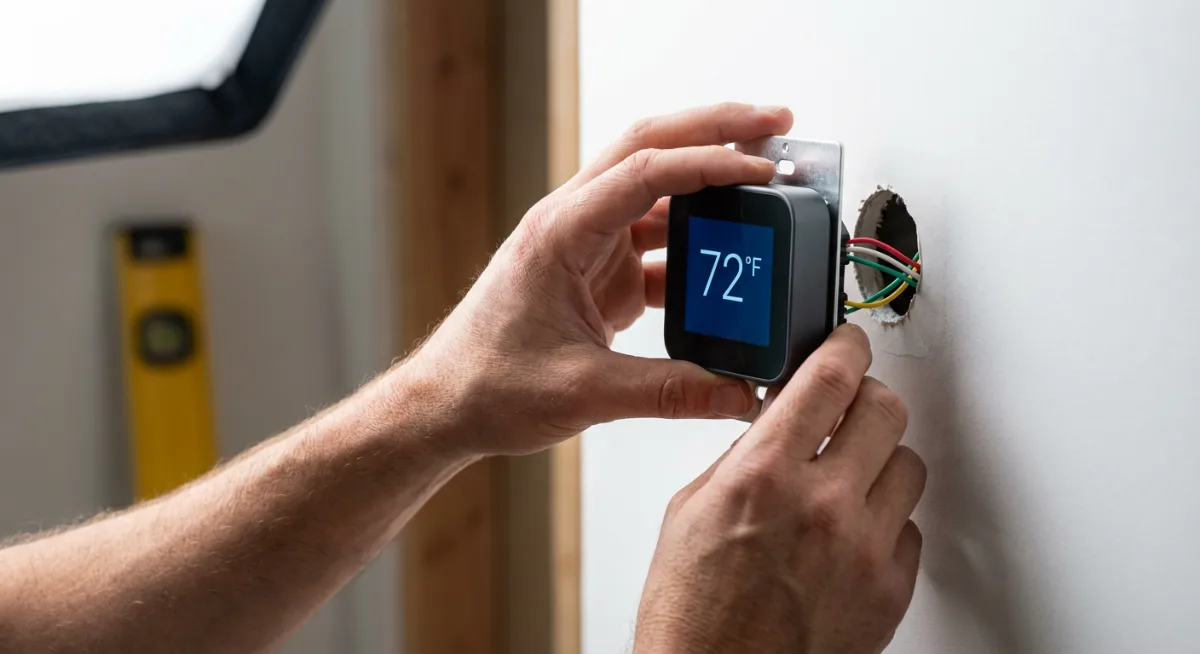
Smart Thermostats
A smart thermostat like the Google Nest Learning Thermostat can significantly reduce energy bills while improving comfort. These devices learn your schedule and preferences, automatically adjusting temperature throughout the day.
Smart Security Devices
Security devices provide peace of mind and are among the most practical smart home additions. Consider starting with:
- Smart doorbell: See and communicate with visitors remotely
- Security cameras: Monitor key areas of your home
- Smart locks: Eliminate keys and provide access logs
- Motion sensors: Trigger lights or alerts when movement is detected
The Ring Video Doorbell offers excellent value and integrates well with most smart home platforms.
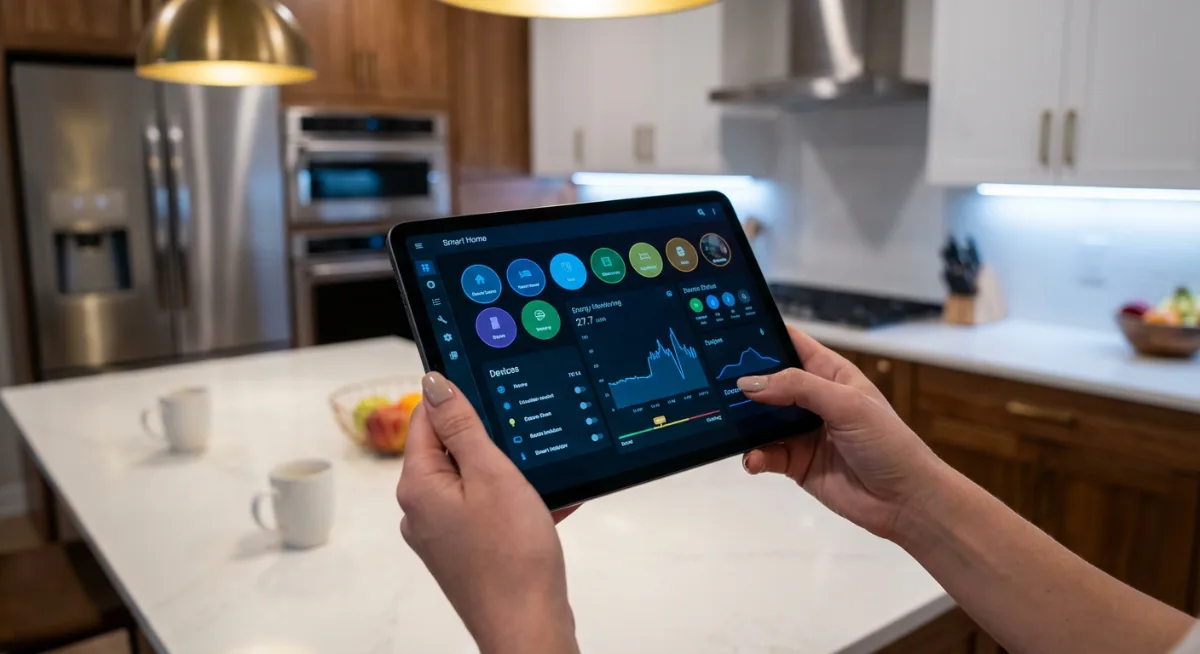
Planning Your Smart Home Network
A robust network foundation is critical for smart home success. Poor connectivity leads to frustrated experiences and unreliable automation.
Wi-Fi Network Optimization
Most smart home devices rely on Wi-Fi connectivity, making network performance crucial. Ensure your setup includes:
- Adequate coverage: Wi-Fi signal should reach all areas where smart devices will be installed
- Sufficient bandwidth: Modern routers should handle typical smart home loads easily
- Network segmentation: Consider separating smart home devices on a dedicated network
- Quality hardware: Invest in a reliable router system like the Eero mesh network system
Understanding Communication Protocols
Different smart home devices use various communication methods:
Wi-Fi: Direct internet connection, high bandwidth, can be power-hungry
Zigbee: Low-power mesh network, excellent for sensors and switches
Z-Wave: Reliable mesh protocol with strong interoperability
Bluetooth: Short-range, low-power option for nearby devices
Many successful smart homes use a combination of protocols, with a hub that can communicate across different standards.
Step-by-Step Setup Process
Follow this systematic approach to build your smart home foundation properly from the start.
Phase 1: Foundation Setup
- Assess your network: Test Wi-Fi coverage throughout your home
- Choose your platform: Select and set up your primary smart home hub
- Install the main app: Download and configure your chosen platform’s mobile app
- Create your home profile: Set up rooms, zones, and basic preferences
Phase 2: First Device Installation
Start with smart lighting as your first devices. They’re forgiving, provide immediate value, and help you learn the system without major complexity.
- Install smart bulbs in frequently used areas
- Connect devices to your chosen platform
- Set up basic voice commands
- Create your first simple automation (like turning lights on at sunset)
Phase 3: Expanding Your System
Once comfortable with basic devices, gradually add more complex systems:
- Smart thermostat installation and configuration
- Security device setup and monitoring
- Smart switch and outlet installations
- Integration testing between different device types
Creating Effective Automation Rules
The true power of a smart home lies in automation – having devices work together intelligently without constant manual control.
Beginner-Friendly Automation Ideas
Start with simple automations that solve real problems:
- Morning routine: Gradually brighten bedroom lights and adjust thermostat 30 minutes before wake-up time
- Away mode: Turn off all lights and adjust temperature when everyone leaves
- Evening security: Lock doors and activate exterior lighting at sunset
- Movie time: Dim lights and close smart blinds when starting streaming services
Advanced Automation Concepts
As you become more comfortable, explore complex scenarios:
- Weather-based adjustments for heating and lighting
- Occupancy-based room management
- Energy optimization routines
- Security integration with multiple sensors and cameras
Budget-Friendly Smart Home Solutions
Building a smart home doesn’t require breaking the bank. Strategic purchases and gradual expansion can create an impressive system on any budget.
Cost-Effective Starting Points
Begin with these affordable options:
- Smart plugs: Transform any device into a smart device for under $15 each
- Budget smart bulbs: Basic white-only bulbs provide automation benefits without premium pricing
- Voice assistant: Entry-level devices like the Amazon Echo Dot offer full platform access
- Smart switches: Control multiple bulbs with a single switch replacement
DIY vs. Professional Installation
Most smart home devices are designed for DIY installation, but consider professional help for:
- Electrical work involving hardwired devices
- Complex security system installations
- Whole-home automation systems
- Network infrastructure upgrades
Security and Privacy Considerations
Smart home convenience should never come at the expense of security and privacy. Implement these best practices to protect your connected home.
Network Security Essentials
- Change default passwords: Every device should have a unique, strong password
- Enable two-factor authentication: Add an extra security layer to your accounts
- Regular updates: Keep firmware current on all devices
- Network segmentation: Isolate smart home devices from sensitive computers
Privacy Protection Strategies
Maintain control over your personal data:
- Review and adjust privacy settings for each device
- Understand what data is collected and how it’s used
- Choose devices from reputable manufacturers with strong privacy policies
- Consider local control options that don’t rely on cloud services
Troubleshooting Common Issues
Even well-planned smart home systems encounter occasional problems. Understanding common issues and solutions helps maintain a smooth experience.
Connectivity Problems
When devices lose connection:
- Check Wi-Fi signal strength at the device location
- Restart both the device and your router
- Verify the device is within range of your network
- Update device firmware and mobile apps
Automation Failures
If automated routines stop working:
- Check for conflicting automation rules
- Verify all devices in the routine are online
- Review trigger conditions and timing settings
- Test individual device responses manually
Future-Proofing Your Smart Home
Technology evolves rapidly, but smart planning helps ensure your investment remains valuable over time.
Choosing Expandable Systems
Select platforms and devices that support:
- Multiple communication protocols
- Regular software updates
- Open standards and third-party integration
- Modular expansion capabilities
Staying Current with Technology
Keep your system relevant by:
- Following smart home technology news and trends
- Participating in user communities for tips and updates
- Regularly reviewing and updating your automation rules
- Planning annual system reviews and upgrades
Recommended Tools and Products
Based on extensive research and user feedback, these products provide excellent value and reliability for smart home beginners:
- Best Overall Hub: Samsung SmartThings Hub – Versatile platform supporting multiple protocols
- Top Voice Assistant: Amazon Echo (4th Generation) – Excellent sound quality and smart home control
- Best Smart Lighting: Philips Hue Color Starter Kit – Premium quality with extensive features
- Essential Network Upgrade: Eero 6 Mesh System – Reliable coverage for entire home
- Budget-Friendly Security: Wyze Cam v3 – Affordable monitoring with excellent features
Frequently Asked Questions
How much does it cost to start a smart home?
You can begin your smart home journey for as little as $50-100 with a voice assistant and a few smart plugs or bulbs. A more comprehensive starter setup typically costs $300-500, including a hub, smart lighting, and a few key devices. The beauty of smart home systems is their scalability – you can start small and expand over time.
Do I need a hub for my smart home devices?
Not all smart home devices require a separate hub. Many modern devices connect directly to Wi-Fi and can be controlled through manufacturer apps. However, a central hub provides better integration between different brands, more reliable local control, and advanced automation capabilities. For serious smart home enthusiasts, a hub is highly recommended.
Which smart home platform should I choose?
The best platform depends on your existing technology ecosystem and priorities. Choose Amazon Alexa for maximum device compatibility, Google Home for natural language processing, Apple HomeKit for privacy and seamless Apple integration, or Samsung SmartThings for maximum flexibility and customization options.
Are smart home devices secure?
Smart home security varies significantly between manufacturers and device types. Reputable brands generally provide adequate security, but users must follow best practices: change default passwords, enable two-factor authentication, keep firmware updated, and understand privacy policies. Choose devices from established manufacturers with good security track records.
Can I install smart home devices myself?
Most smart home devices are designed for DIY installation and require no special tools or expertise. Smart bulbs, plugs, cameras, and voice assistants typically involve simple setup through mobile apps. However, hardwired devices like smart switches, thermostats, or security systems may require electrical knowledge or professional installation.
How do I troubleshoot connectivity issues?
Common connectivity solutions include checking Wi-Fi signal strength, restarting devices and routers, ensuring devices are within network range, and updating firmware. If problems persist, try moving devices closer to the router, checking for interference from other electronics, or contacting manufacturer support.
Will smart home devices work during power outages?
Most smart home devices require power to function, so they’ll stop working during outages unless connected to backup power. However, some battery-powered sensors and cameras can continue operating. Smart locks often include mechanical key backups, and some thermostats have backup power features. Consider battery backup systems for critical smart home components.
Conclusion
Starting your smart home journey is an exciting step toward a more convenient, efficient, and secure living environment. The key to success lies in thoughtful planning, starting with essential devices that provide immediate value, and gradually expanding your system as you become more comfortable with the technology.
Remember that the best smart home is one tailored to your specific needs, lifestyle, and budget. Don’t feel pressured to implement every possible feature immediately. Focus on solving real problems and enhancing daily routines, then expand from there. With proper planning and the right approach, your smart home will become an invaluable part of your daily life, growing and evolving with your changing needs.
Take your time, do your research, and enjoy the process of creating a connected home that truly works for you. The future of home automation is bright, and by starting your journey today, you’re positioning yourself to take advantage of exciting innovations yet to come.
Next Article: Smart Home Security System Setup Guide
You Might Also Like

James is the voice behind our beginner-friendly setup guides. As a self-taught smart home enthusiast, he understands exactly what first-time buyers need to know.
All articles by James →