
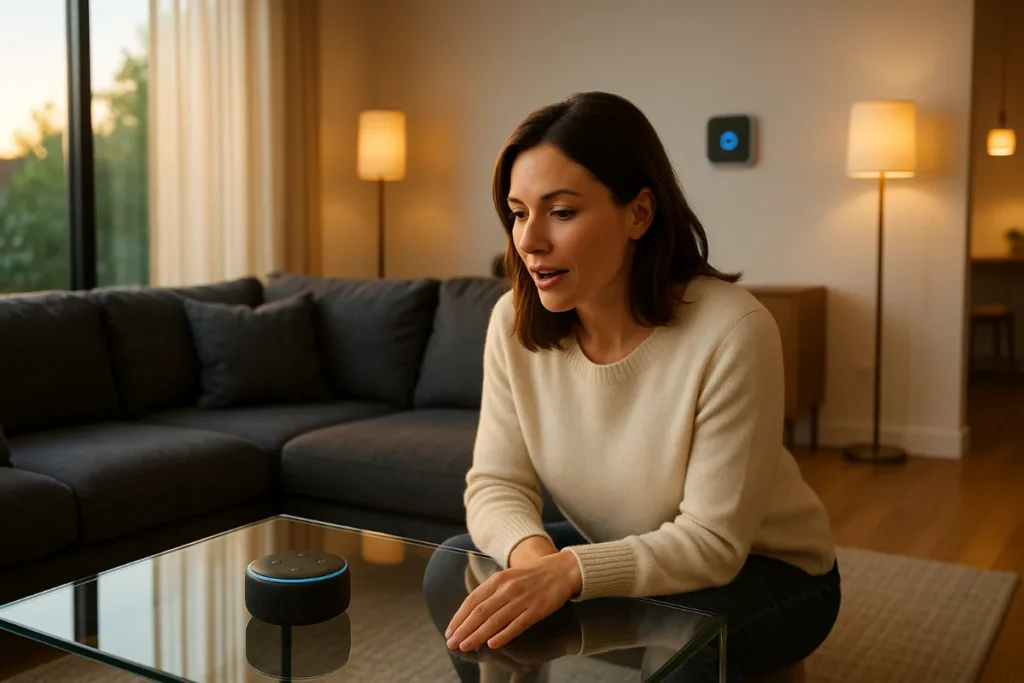
Top 10 Voice Assistant Compatible Smart Home Devices That Actually Work (And Won’t Drive You Crazy)
Remember when talking to your house seemed like something straight out of The Jetsons? Well, here’s a fun fact: the average American now owns 25 connected devices, and we’re literally chatting with our homes like they’re old friends. But here’s what nobody tells you about voice-controlled smart home gadgets—half of them are about as reliable as your WiFi during a Netflix binge.
I’ve spent the better part of two years testing smart home devices, and let me be honest: I’ve yelled at more thermostats than I care to admit.
The good news? Some devices actually get it right. They respond when you need them, work with multiple voice assistants (because who wants to be locked into just Alexa forever?), and won’t leave you fumbling for a physical switch when the internet decides to take a coffee break.
Why Voice Compatibility Actually Matters (It’s Not Just About Being Lazy)
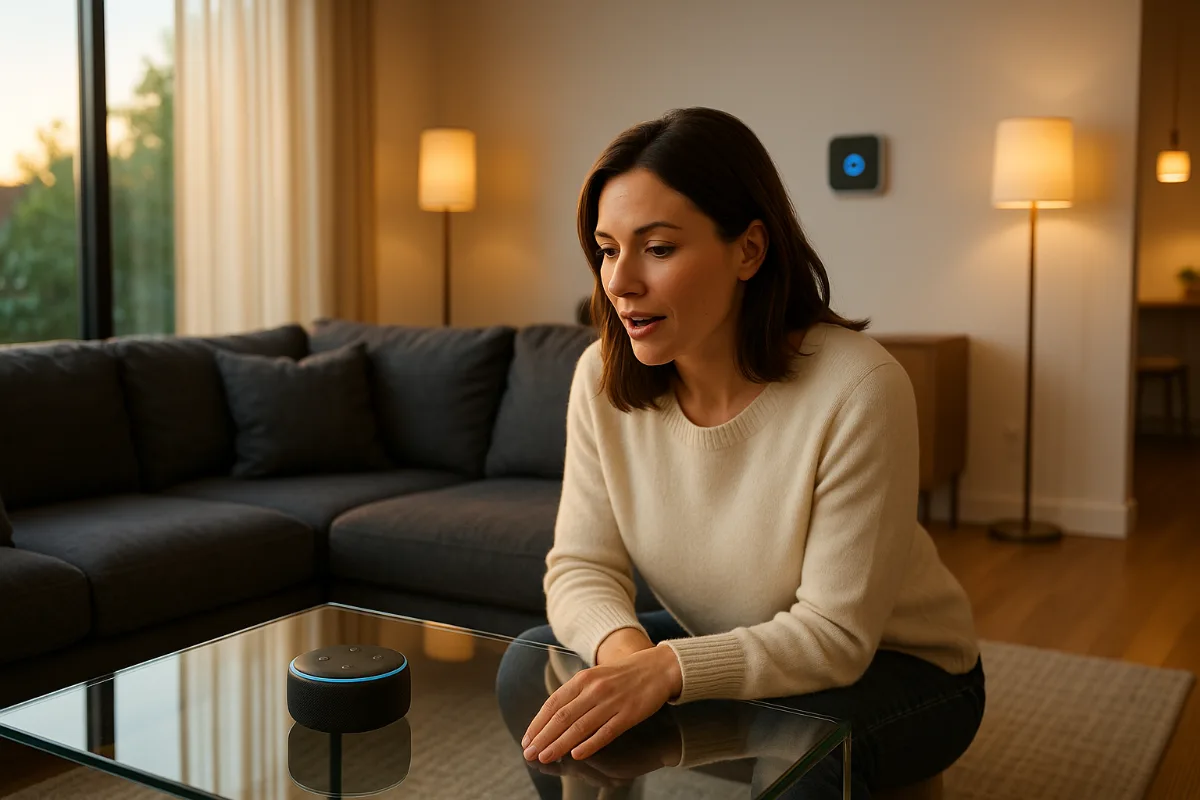
Look, I get it. Some people think voice control is just for people too lazy to flip a light switch. But here’s the thing—when you’re carrying groceries with both hands and need to unlock your door, or when you’re halfway up the stairs and realize you forgot to turn off the living room lights, voice control stops being a luxury and becomes genuinely useful.
What most people miss is that the best voice-compatible devices aren’t just about convenience. They’re about accessibility, energy efficiency, and creating routines that actually stick. My 78-year-old neighbor swears by her voice-controlled thermostat because arthritis makes those tiny buttons nearly impossible to manage.
But here’s where it gets tricky: not all voice assistants play nice with every device. Some gadgets work great with Alexa but treat Google Assistant like a distant relative. Others speak fluent Siri but go completely silent when they hear “Hey Google.”
The Big Three: Alexa, Google Assistant, and Siri Walk Into a Smart Home…
Before we dive into the devices, let’s talk about the voice assistant landscape. It’s basically a three-horse race, and each horse has its quirks.
Amazon Alexa is like that friend who knows everyone—it works with pretty much everything, has thousands of “skills,” but sometimes feels a bit robotic in conversation.
Google Assistant is the smart kid who understands context better than anyone else. Ask it follow-up questions, and it actually gets what you’re talking about. Plus, it’s terrifyingly good at understanding accents and mumbled requests (trust me, I’ve tested this at 6 AM).
Siri? Well, Siri is getting better, especially with Apple’s HomeKit ecosystem. But let’s be real—it’s still the most finicky of the bunch.
1. Philips Hue Smart Bulbs: The Gateway Drug to Smart Homes
If smart home devices were a gateway drug, Philips Hue bulbs would be it. I started with one bulb three years ago. Now I have seventeen. (Don’t tell my electricity bill.)
What makes these bulbs special isn’t just that they work with literally every major voice assistant—it’s that they work well. Say “dim the living room to 30%” and they actually do it, no questions asked. Want to set the mood for dinner? “Alexa, set dining room to romantic” gives you that perfect warm glow.
The Philips Hue White and Color Ambiance Starter Kit is honestly the best entry point into smart lighting. Yes, they’re pricier than generic smart bulbs, but here’s the thing—they last forever and the color accuracy is spot-on.
Honestly, once you’ve experienced walking into a house that automatically adjusts its lighting based on time of day, regular light switches feel prehistoric.
2. Nest Learning Thermostat: The Device That Pays for Itself
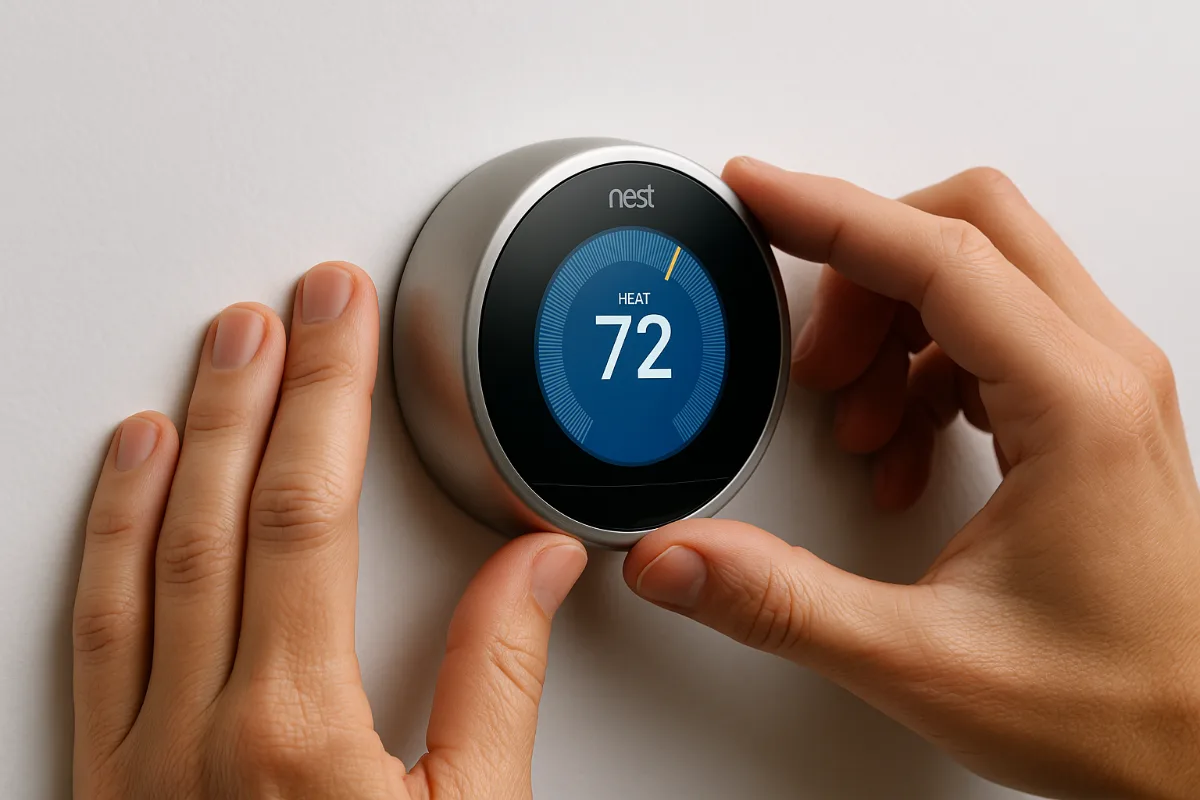
The Nest Thermostat is that rare smart home device that actually makes you money. Well, saves you money—but when you’re looking at 10-15% lower energy bills, it feels like the same thing.
What I love about the Nest Learning Thermostat is its stubborn independence. Sure, you can control it with voice commands (“Hey Google, set temperature to 72”), but it’s also constantly learning your patterns and adjusting automatically.
The trick is letting it do its thing for the first few weeks. I made the mistake of constantly overriding it initially, which confused its learning algorithm. Once I stepped back and let it figure out my schedule, it started predicting exactly when I’d want the heat up or down.
Fair warning: the installation can be tricky if you have an older HVAC system. But most HVAC techs can handle it, and Nest’s compatibility checker is surprisingly accurate.
3. Ring Video Doorbell Pro 2: Because Ignoring the Door Is an Art Form
Remember when avoiding solicitors meant pretending you weren’t home? Now you can ignore them from anywhere in the world, and they’ll never know.
The Ring Video Doorbell Pro 2 works seamlessly with all major voice assistants, but its party trick is the pre-roll feature. It actually starts recording a few seconds before motion is detected, so you catch everything, not just the tail end of someone walking away.
Here’s what they don’t tell you in the marketing materials: the two-way talk feature is comedy gold. I once scared off a package thief by speaking in a fake British accent through the doorbell. (Probably not the intended use case, but effective nonetheless.)
The subscription service is where Ring makes its real money, but honestly, it’s worth it for the cloud storage and advanced AI detection features.
4. August Wi-Fi Smart Lock: Never Hunt for Keys Again
Smart locks are either brilliant or terrifying, depending on your perspective. I fall firmly into the “brilliant” camp after two years with the August Wi-Fi Smart Lock.
The voice control is clutch when your hands are full: “Alexa, unlock the front door.” But what really sold me was the auto-unlock feature when I’m approaching with my phone. It’s like having a doorman who never asks for tips.
Installation was easier than I expected (and I’m not exactly handy). The August lock works with your existing deadbolt, so you’re not replacing your entire door hardware. Plus, you can still use physical keys—important for the inevitable moment when your phone dies at the worst possible time.
The only downside? Battery life. Plan on changing batteries every 3-4 months, and keep spares on hand. Nothing’s worse than being locked out because you ignored the low battery warnings.
5. Ecobee SmartThermostat with Voice Control: The Overachiever
While Nest gets all the attention, Ecobee quietly built the better mousetrap. The Ecobee SmartThermostat with Voice Control has Alexa built right in, plus room sensors that actually understand how people use their homes.
Here’s the thing most people miss about thermostats: your house isn’t a single temperature zone. The master bedroom might be freezing while the kitchen is sweltering. Ecobee’s room sensors solve this by focusing on occupied rooms rather than just wherever the thermostat happens to be mounted.
The voice control works exactly as you’d expect—it’s basically an Echo Dot built into your thermostat. You can ask it about the weather, play music, or control other smart home devices. But honestly, the real magic happens behind the scenes with its scheduling and energy-saving algorithms.
6. TP-Link Kasa Smart Switches: The Unsung Heroes
Smart bulbs get all the love, but smart switches are where the real magic happens. Replace a regular switch with a TP-Link Kasa Smart Switch, and suddenly any light becomes smart—even those fancy fixtures you’d never want to replace with smart bulbs.
Installation requires basic electrical knowledge (turn off the breaker, match the wires), but it’s not rocket science. What impressed me is how reliably these switches respond to voice commands. “Alexa, turn off all the lights” actually turns off all the lights, not just the ones it feels like acknowledging that day.
The scheduling features are brilliant for security too. Program them to turn lights on and off while you’re away, and your house looks lived-in instead of advertising your vacation on social media.
7. Amazon Echo Show 10: The Smart Display That Actually Gets It
Smart displays felt gimmicky until I lived with the Amazon Echo Show 10 for a few months. The rotating screen sounds like overkill until you’re cooking and asking for recipe steps, and the display actually follows you around the kitchen.
But here’s where it shines as a smart home hub: visual feedback. When you ask Alexa to lock the doors or adjust the thermostat, you see confirmation on screen. It’s that extra layer of reassurance that your commands actually worked.
The video calling features are surprisingly good too. During the pandemic, it became our family’s communication center. The auto-framing keeps everyone in view, even when kids are bouncing around the room like caffeinated squirrels.
8. Lutron Caseta Wireless Dimmer Switches: The Professional’s Choice
Lutron doesn’t get the buzz of newer smart home brands, but they’ve been in the lighting control game for decades. The Lutron Caseta Wireless Dimmer Switch works flawlessly with every voice assistant, plus it has its own dedicated wireless protocol that’s more reliable than WiFi.
What sets Lutron apart is build quality. These switches feel solid, respond instantly to voice commands, and the dimming is actually smooth instead of that choppy stepping you get with cheaper alternatives.
The starter kit includes the smart bridge, which connects everything to your home network. Once that’s set up, adding new switches is plug-and-play simple.
9. Samsung SmartThings Hub: The Switzerland of Smart Homes
Here’s the dirty secret about smart homes: compatibility is still a mess. That $50 smart switch might work great with Alexa but completely ignore Google Assistant. The Samsung SmartThings Hub solves this by speaking multiple protocols and translating between them.
Think of it as the United Nations for your smart devices. Zigbee, Z-Wave, WiFi—SmartThings brings them all together under one app and makes them work with whichever voice assistant you prefer.
The learning curve is steeper than plug-and-play devices, but the flexibility is worth it. You can create custom automations that would be impossible with individual device apps.
Fair warning: Samsung has been wishy-washy about SmartThings over the years. But the current generation feels solid, and the community support is excellent.
10. Arlo Pro 4 Security Cameras: Eyes Everywhere (In a Good Way)
Security cameras are having a moment, and the Arlo Pro 4 represents the sweet spot between features and usability. Voice control lets you check camera feeds on smart displays or ask for status updates.
“Alexa, show me the backyard camera” brings up a live feed on any Echo Show. During package delivery season, this becomes your new favorite command.
The wireless design means you can mount them anywhere without running cables. Battery life is solid—about 3-4 months with moderate usage. The optional solar panel accessory basically makes them maintenance-free.
Image quality is excellent in both daylight and night vision modes. The AI-powered person, vehicle, and animal detection cuts down on false alerts significantly.
The Reality Check: What Nobody Tells You About Voice-Controlled Smart Homes
Here’s the thing everyone glosses over in smart home articles: voice control isn’t magic, and it’s not always the fastest option.
Sometimes, reaching over and hitting a physical switch is quicker than saying “Alexa, turn on the kitchen lights” and waiting for the response. Voice commands work best for complex actions (like setting multiple devices at once) or when your hands are busy.
The real value isn’t in replacing every physical control—it’s in creating routines and automations that run in the background. My “goodnight” routine locks doors, turns off lights, adjusts the thermostat, and sets the alarm system. That’s where voice control becomes genuinely useful rather than just a party trick.
Tools Worth Checking Out for Smart Home Success
Building a reliable smart home ecosystem requires more than just buying devices and hoping they play nice together. Here are the tools that make the difference between a frustrating experience and a genuinely helpful one:
- SmartThings App – The best overall platform for managing multiple device types and brands
- Amazon Alexa App – Still the most comprehensive for creating routines and managing smart home scenes
- Google Home App – Superior voice recognition and context understanding
- Hubitat Elevation Hub – For advanced users who want local processing and don’t trust cloud services
- Home Assistant – Open-source platform that works with absolutely everything (if you’re technically inclined)
Setting Up Your Voice-Controlled Smart Home: The Honest Approach
Forget those articles that tell you to plan everything perfectly before buying a single device. That’s not how real people build smart homes.
Start with one category—lighting is usually the easiest. Get it working reliably with your preferred voice assistant. Then add the next category. This approach prevents the overwhelming complexity that kills most smart home projects before they really begin.
The trick is choosing devices within the same ecosystem when possible. All Philips Hue lights work the same way. Mixing five different lighting brands means learning five different apps and troubleshooting five different potential points of failure.
The Three-Phase Approach That Actually Works
Phase 1: Lighting and Climate
Start with a few smart bulbs or switches, plus a smart thermostat. These provide immediate, noticeable benefits and work reliably with voice commands.
Phase 2: Security and Access
Add smart locks, doorbell cameras, and basic security devices. These integrate well with existing systems and provide real peace of mind.
Phase 3: Everything Else
Smart plugs, irrigation controllers, garage door openers—basically anything that makes life easier but isn’t essential.
Troubleshooting the Inevitable Hiccups
Your smart home will have bad days. Accept this now, and you’ll save yourself hours of frustration later.
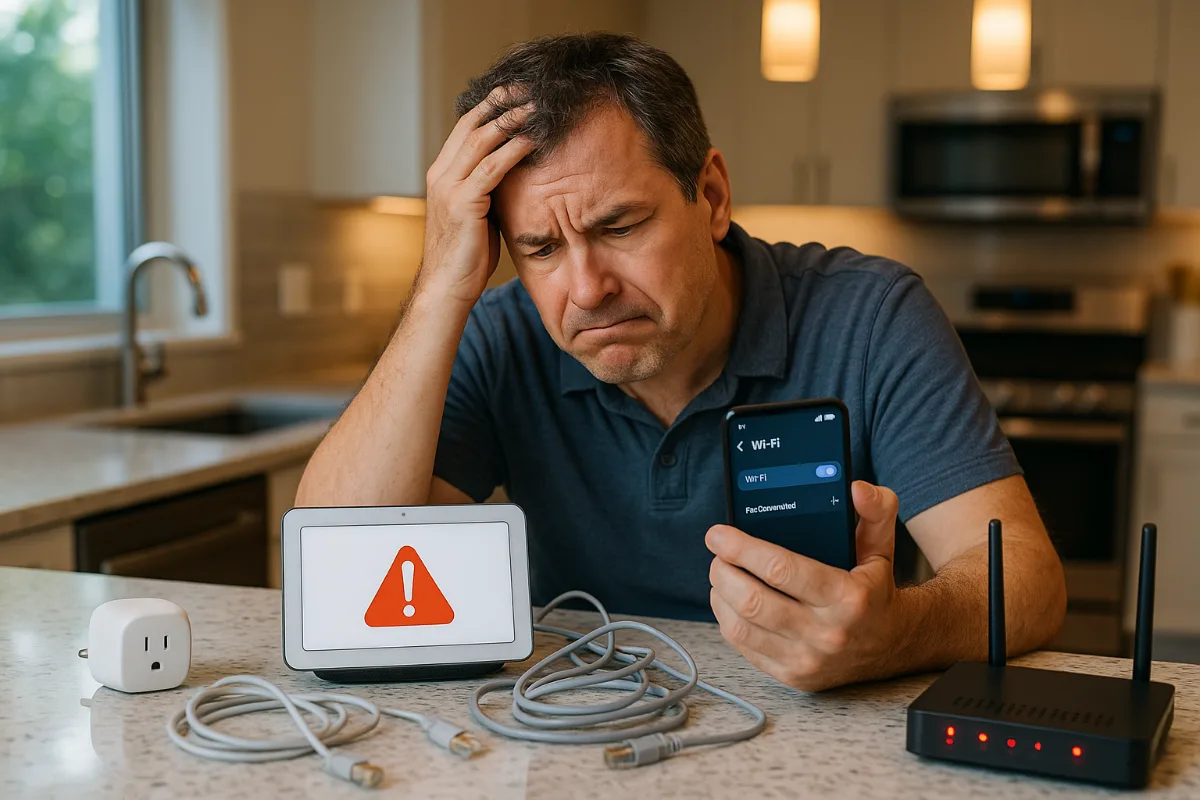
WiFi is usually the culprit when devices stop responding to voice commands. Most smart home devices need surprisingly good WiFi coverage—better than what your laptop or phone requires. A mesh network system isn’t overkill if you’re serious about reliable smart home control.
The other common issue? Voice assistants forgetting device names or getting confused by similar-sounding commands. I learned this the hard way when “turn off the office lights” kept turning off the “awesome lights” in my kid’s room. (Apparently, Alexa thought “office” sounded like “awesome.” Can’t argue with that logic.)
Looking Ahead: The Future of Voice-Controlled Homes
Matter is supposed to solve the compatibility nightmare that currently defines smart homes. In theory, every Matter-certified device will work with every voice assistant and smart home platform.
In practice? Well, we’ll see. The smart home industry has promised seamless compatibility before, and we’re still dealing with apps that can’t talk to each other and devices that work great until a firmware update breaks everything.
But here’s what I’m genuinely excited about: AI is getting better at understanding context and intent. Future voice assistants won’t just follow commands—they’ll understand what you’re trying to accomplish and suggest better ways to do it.
Frequently Asked Questions
Do I need different smart home devices for different voice assistants?
Not necessarily. Most quality smart home devices work with multiple voice assistants. However, some features or integrations may work better with specific platforms. For example, Ring devices integrate most deeply with Alexa since Amazon owns Ring.
What happens to my smart home devices if my internet goes down?
It depends on the device. Many smart switches and locks can still be controlled manually or through local apps. However, voice control typically requires internet connectivity. Some hubs like Hubitat and SmartThings offer local processing for basic functions.
Are smart home devices secure?
Security varies widely by manufacturer and device type. Stick to established brands that regularly release security updates, use strong passwords, and enable two-factor authentication where available. Avoid no-name brands that don’t provide ongoing support.
How much does it cost to get started with a voice-controlled smart home?
You can start with a basic setup for under $200—a voice assistant device ($50), a few smart bulbs ($60), and a smart plug or switch ($30). From there, you can expand based on your needs and budget. A comprehensive whole-house setup can easily run several thousand dollars.
Which voice assistant works best with smart home devices?
Alexa currently has the broadest compatibility with smart home devices, followed closely by Google Assistant. Siri works well within the Apple ecosystem but has fewer third-party integrations. For most people, choosing based on your existing ecosystem (Amazon, Google, or Apple) makes the most sense.
Can I use multiple voice assistants in the same smart home?
Absolutely. Many devices work with multiple voice assistants simultaneously. You might use Google Assistant for questions and general smart home control while also having Alexa devices for music and shopping. Just be aware that some advanced features or routines may be platform-specific.
The Bottom Line: Start Small, Think Big, Stay Patient
Building a smart home that actually improves your daily life isn’t about having the most gadgets or the flashiest setup. It’s about choosing reliable devices that solve real problems and work consistently with your preferred voice assistant.
The devices on this list represent the current sweet spot between functionality, reliability, and compatibility. They’re not perfect—no smart home device is—but they’re good enough to build a system you’ll actually use rather than constantly troubleshoot.
The smart home revolution is still in its awkward teenage years. There are growing pains, compatibility issues, and the occasional device that just stops working for no apparent reason. But when it works—when you walk into your house and everything adjusts automatically, when you can control your entire home with simple voice commands—it feels genuinely futuristic.
And honestly? That feeling never gets old.
Next Article to Read : Smart Home Setup Guide 2026: Complete Beginner’s Journey
You Might Also Like

James is the voice behind our beginner-friendly setup guides. As a self-taught smart home enthusiast, he understands exactly what first-time buyers need to know.
All articles by James →