
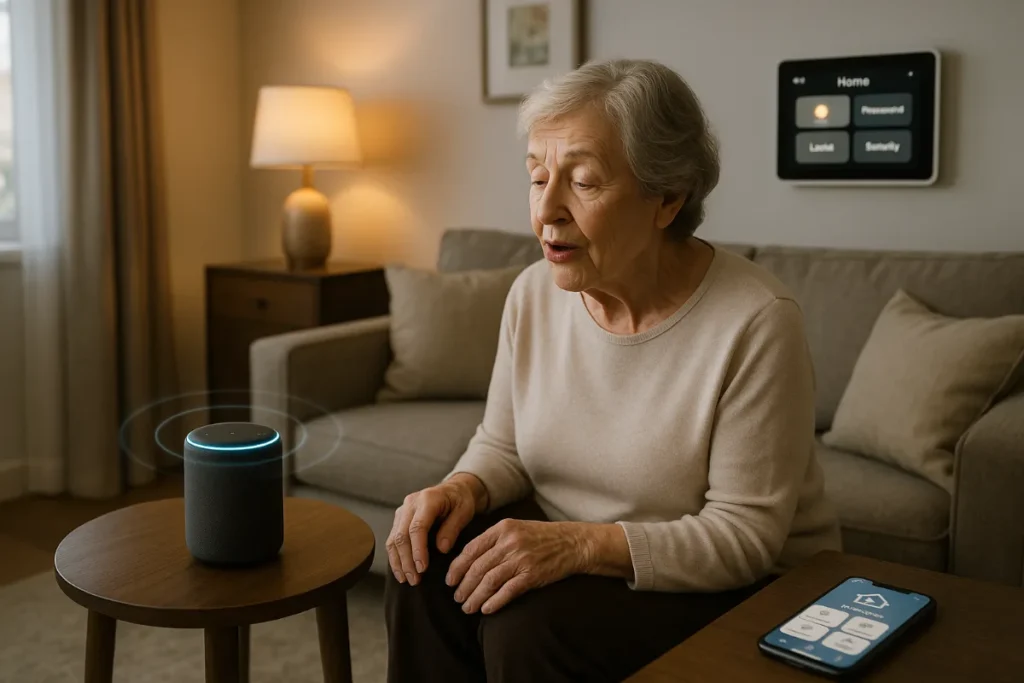
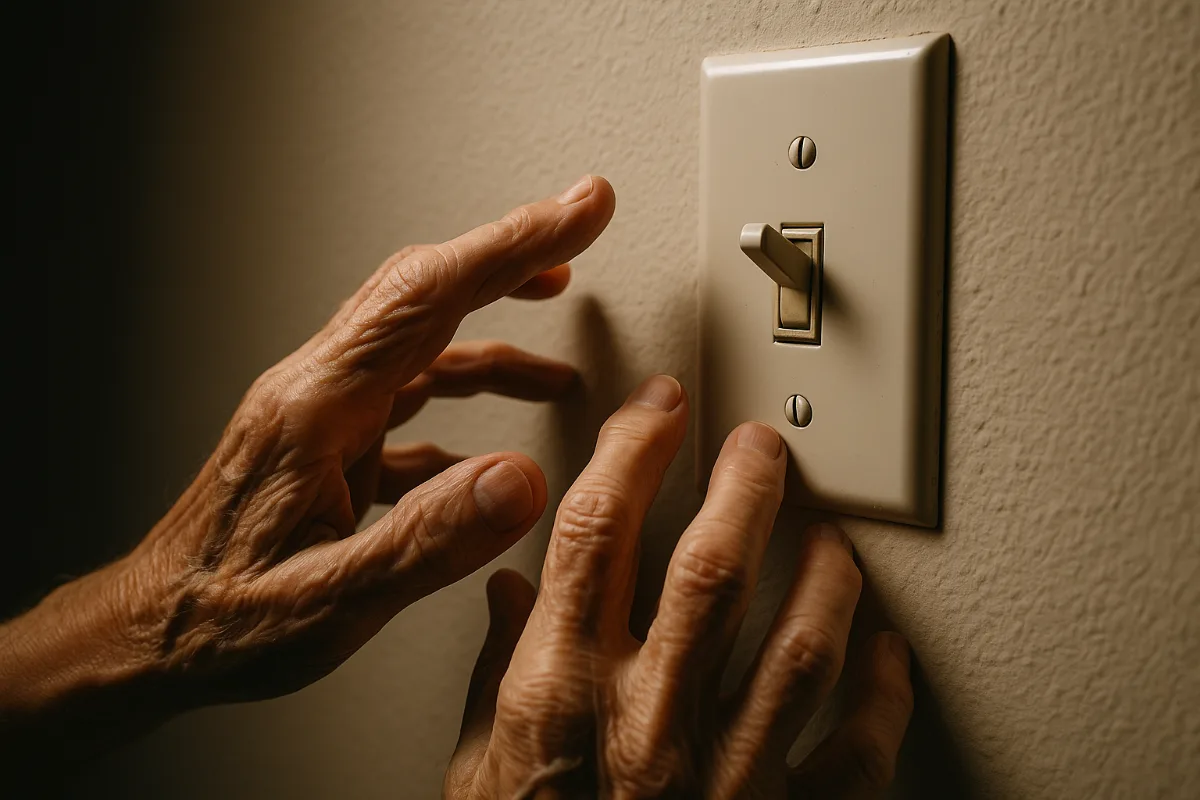
My neighbor Sarah has Parkinson’s disease, and last month I watched her struggle for nearly ten minutes to turn on her bedroom lights. The wall switch might as well have been on Mars — her trembling hands couldn’t quite manage the small toggle, and by the time I offered to help, we were both frustrated beyond words.
Fast forward three weeks.
Sarah now controls her entire house with her voice, and honestly? I’m a little jealous. Her coffee maker starts brewing before she even gets out of bed. Her thermostat adjusts itself based on her daily routine. And those bedroom lights? They respond to a gentle “lights on” faster than I can fumble for a switch in my own perfectly accessible home.
Here’s what caught me off guard: Sarah isn’t some tech wizard. She’s 67 and still calls me when her email acts up. But smart home technology has finally reached that sweet spot where it actually makes life easier instead of more complicated.
The disability community has been waiting for this moment longer than most of us realize. We’re talking about 61 million adults in the US living with disabilities — that’s one in four people who could benefit from homes that adapt to their needs rather than forcing them to adapt to outdated designs.
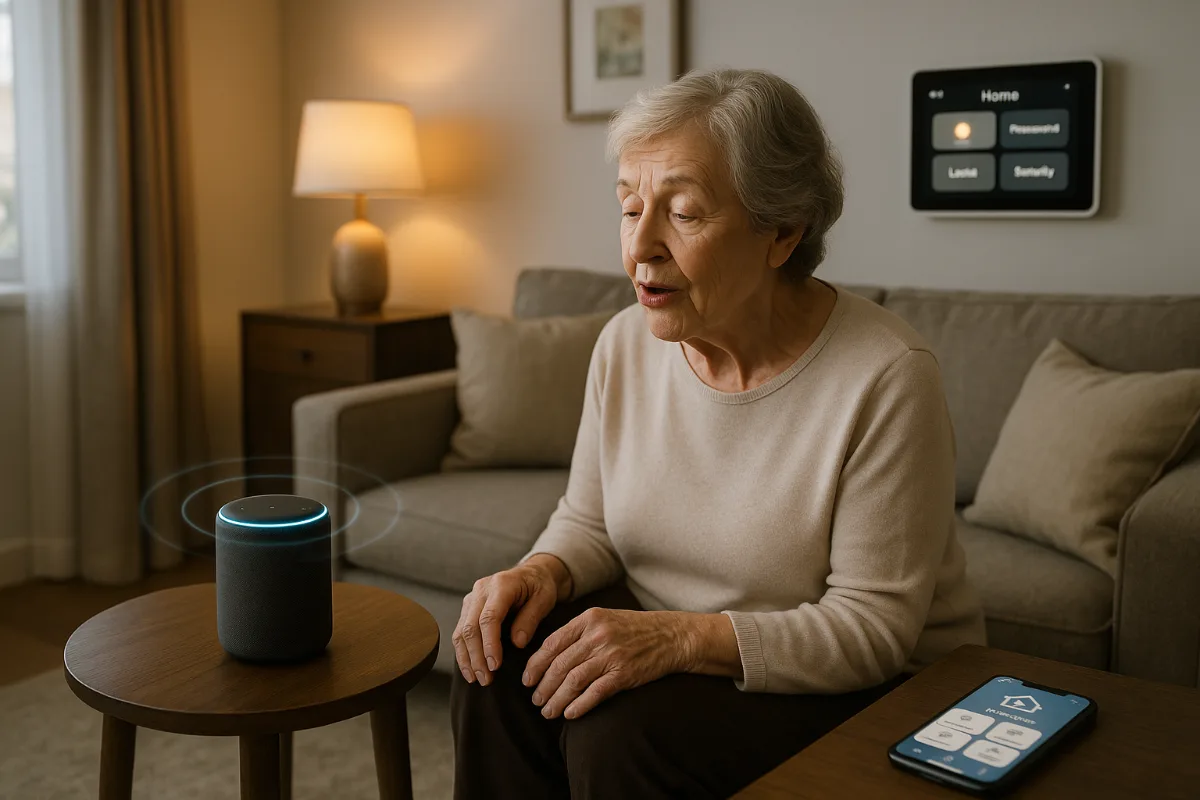
Why Smart Homes and Accessibility Are a Perfect Match
Look, I’ll be honest here. The smart home industry spent years chasing flashy features that impressed tech reviewers but missed the mark for real people with real needs. Remember when the big selling point was being able to preheat your oven from the grocery store? (Because apparently walking to the kitchen was humanity’s greatest challenge.)
But something shifted around 2023. Manufacturers started listening to occupational therapists, disability advocates, and actual users instead of just engineers in silicon valley conference rooms.
The result? Devices that understand the difference between “helpful” and “gimmicky.”
What most people miss is that smart home technology was always meant to be assistive technology — we just didn’t call it that. Voice control, automated routines, remote monitoring, simplified interfaces. These aren’t luxury features. They’re independence features.
Read next Article: Setup Smart Devices for the Elderly
The Three Pillars of Accessible Smart Homes
Every truly accessible smart home setup rests on three foundations: voice control (because physical interfaces aren’t always possible), automation (because consistency matters more than control), and remote assistance (because sometimes we all need backup).
The trick is finding devices that excel in at least two of these areas while playing nicely with everything else in your ecosystem.
Voice Assistants: Your New Digital Butler
Let’s start with the obvious choice that isn’t as obvious as you think.
Amazon Echo Show 15 — The Command Center
Everyone talks about the Amazon Echo Show 15 like it’s just a bigger Echo with a screen. That misses the point entirely.
This thing becomes mission control for people with mobility limitations. The 15.6-inch display shows everything at once — calendar, reminders, smart home controls, video calls with family. No squinting at tiny smartphone screens or hunting through multiple apps.
But here’s what Amazon doesn’t advertise enough: the visual accessibility features are genuinely impressive. High contrast mode, large text options, and voice control that actually understands context. When Sarah says “call my daughter,” it knows which daughter based on the time of day and her usual patterns.
The sticky note feature might sound trivial until you consider someone with memory challenges. Digital reminders that appear exactly where you need them, spoken aloud when you walk by. Revolutionary? Maybe not. Life-changing? Absolutely.
Google Nest Hub Max — The Therapist’s Choice
Physical therapists consistently recommend the Google Nest Hub Max over other smart displays, and it’s not because of brand loyalty.
The gesture controls work remarkably well for people with limited mobility. A simple hand wave pauses music or answers calls — no precise movements required. And Google’s voice recognition handles speech differences better than most competitors. I’ve seen it accurately respond to users with cerebral palsy, stroke survivors, and people with vocal cord issues.
Plus, Google Assistant’s ability to distinguish between different voices in the household means personalized responses. Your morning routine doesn’t accidentally trigger your caregiver’s preferences.
Read next Article: Best Smart Security Cameras with AI Detection
Lighting That Actually Understands You
Lighting seems simple until you realize how complex it becomes when traditional switches aren’t accessible. The wrong smart lighting setup will drive you crazy. The right one disappears into the background of daily life.
Philips Hue — Still the Gold Standard
Yeah, I know. Philips Hue is expensive. But here’s why occupational therapists keep recommending it despite the price tag: reliability and flexibility.
The gradual wake-up lighting helps people with depression or seasonal affective disorder. The motion sensors can be calibrated for different mobility levels — fast enough for wheelchair users, sensitive enough for people using walkers. And the color temperature adjustments throughout the day support better sleep cycles for people taking medications that affect circadian rhythms.
What really sets Hue apart is the Labs feature in their app. Experimental functions that often become standard features. Like sync with music (helpful for hearing-impaired users who rely on visual cues) or the upcoming health monitoring integration.
LIFX — The Customization King
If Philips Hue is the reliable luxury car, LIFX bulbs are the hot rod you can modify to your heart’s content. Their color range is unmatched, which matters more than you might think for accessibility.
People with autism often have specific color sensitivities. LIFX can hit the exact wavelengths that feel comfortable while avoiding ones that cause distress. The customization extends to scheduling too — create lighting scenes that support medication reminders, therapy sessions, or daily routines.
And they work without a hub, which eliminates one potential failure point in your smart home setup.
Door Locks That Open New Possibilities
Smart door locks get a bad rap from security purists, but they miss the bigger picture. For someone with arthritis, fumbling with keys in winter weather isn’t just inconvenient — it’s genuinely difficult and sometimes dangerous.
August Wi-Fi Smart Lock
The August Wi-Fi Smart Lock solves the “locked out of my own house” problem elegantly. Auto-unlock when you approach (if your phone is working), backup keypad entry (if your phone isn’t), and remote unlock by trusted contacts (if neither option works).
Installation takes about 10 minutes and doesn’t require changing your existing deadbolt hardware. That’s crucial for renters or people who can’t manage complex home modifications.
The real genius is the guest access feature. Caregivers, family members, or emergency services can get temporary access without physical key exchanges. And you know exactly who entered when through the activity log.
Yale Assure Lock SL
Some people prefer the Yale Assure Lock SL because it looks like a traditional lock and doesn’t scream “smart home device” to potential intruders.
The keypad is backlit and large enough for people with visual impairments or motor challenges. Voice guidance provides audio confirmation of lock status. And the privacy mode disables all wireless features if you’re concerned about connectivity.
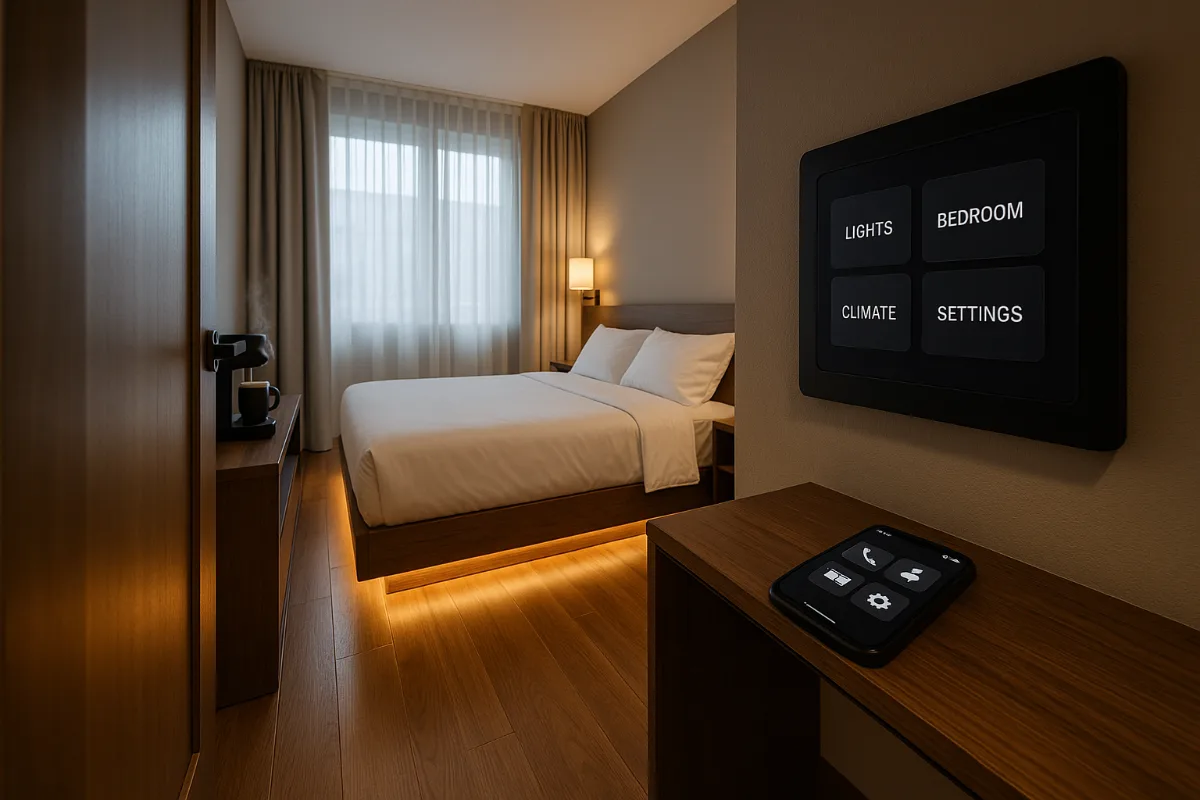
Safety and Monitoring: Peace of Mind for Everyone
This is where smart home technology gets genuinely emotional. We’re not just talking about convenience anymore — we’re talking about the difference between aging in place or moving to assisted living.
Ring Alarm Pro — The Neighborhood Watch
The Ring Alarm Pro isn’t just a security system; it’s a communication lifeline. Fall detection, medical alert integration, and two-way communication with monitoring services.
But here’s what impressed me most: the professional monitoring service operators are trained to work with people who have communication disabilities. They understand that a delayed response doesn’t necessarily mean a false alarm.
The mobile panic button can be worn as a pendant or kept bedside. One press connects you directly to monitoring services who already have your medical information and emergency contacts on file.
SimpliSafe — The Straightforward Choice
Sometimes the best technology is the simplest technology. SimpliSafe excels at being uncomplicated while still offering professional monitoring and medical alert features.
The base station doubles as a speakerphone for emergencies. Sensors are large and easy to mount without tools. And the monthly monitoring cost is reasonable enough that it doesn’t become a financial burden.
What I appreciate is their willingness to customize packages based on specific disability needs rather than pushing universal solutions.
Climate Control That Thinks Ahead
Temperature regulation isn’t just comfort — it’s health management for many people with disabilities. Medications can affect temperature sensitivity. Mobility limitations make adjusting traditional thermostats difficult. And some conditions require very specific environmental controls.
Ecobee SmartThermostat — The Health Monitor
The Ecobee SmartThermostat monitors air quality alongside temperature, which matters enormously for people with respiratory conditions or compromised immune systems.
Room sensors detect occupancy and adjust climate control accordingly. If someone spends most of their time in one room due to mobility limitations, the system focuses on maintaining optimal conditions there rather than heating or cooling the entire house.
The large, high-contrast display is readable from across the room, and voice control integration means never having to approach the wall-mounted unit.
Kitchen Helpers That Actually Help
Smart kitchen appliances often feel like solutions searching for problems. But when you consider the challenges of cooking with limited mobility, vision impairments, or cognitive changes, suddenly these devices make perfect sense.
Amazon Echo Show in the Kitchen
A dedicated Echo Show in the kitchen transforms meal preparation. Voice-guided recipes that adjust for dietary restrictions or medication interactions. Timers that announce themselves clearly. Video calls with family members who can provide cooking assistance remotely.
The drop-in feature lets trusted contacts check in during meal times — especially valuable for people with diabetes who need to maintain regular eating schedules.
Entertainment That Includes Everyone
Entertainment accessibility often gets overlooked in smart home discussions, but it shouldn’t. Social connection and mental stimulation are crucial for health and independence.
Apple TV 4K — The Universal Remote
The Apple TV 4K offers the best accessibility features in streaming. Voice control that actually works, high contrast interfaces, audio descriptions for visual content, and closed captions that are readable.
The Siri Remote might look minimalist, but it’s designed for people with motor difficulties. Large touch surface, tactile feedback, and the ability to control everything with voice commands when physical interaction isn’t practical.
Tools Worth Checking Out
Beyond individual devices, some tools make the whole smart home experience more accessible:
- Samsung SmartThings Hub — The best platform for connecting devices from different manufacturers
- Switchmate — Converts existing light switches to smart controls without rewiring
- MySmartBlinds — Automated window coverings that don’t require professional installation
- Amazon Pharmacy with PillPack — Smart medication management with automated refills
- Tile Mate Trackers — Find lost items with voice commands through Alexa integration
Getting Started Without Getting Overwhelmed
Here’s the thing about smart home adoption: everyone tells you to start small, but nobody explains what “small” actually means when you’re dealing with accessibility needs.
Start with voice control. Pick one ecosystem (Amazon, Google, or Apple) and stick with it. Don’t try to mix and match until you understand how everything works together.
Second priority: lighting. It’s immediate, obvious, and affects everything else you do at home. Plus, if it doesn’t work perfectly, you can always flip a traditional switch as backup.
Third: whatever addresses your biggest daily frustration. For Sarah, that was door locks. For someone else, it might be temperature control or medication reminders.
The Budget Reality Check
Let’s be honest about costs. A full smart home setup runs several thousand dollars if you buy everything at once. But you don’t have to buy everything at once.
Many insurance plans now cover assistive technology, including some smart home devices. Medicare Advantage plans are starting to include smart home benefits. And state vocational rehabilitation agencies sometimes fund technology that supports independent living.
It’s worth making some phone calls before assuming everything comes out of pocket.
Common Mistakes That Drive People Crazy
The biggest mistake I see people make is choosing devices based on online reviews instead of their specific needs. A device that’s perfect for a tech enthusiast might be terrible for someone with arthritis.
Second mistake: not considering internet reliability. Smart home devices are only as good as your wifi connection. If your internet goes down regularly, prioritize devices that have offline functionality or backup options.
Third mistake: forgetting about the people who help you. If you have caregivers, family members, or friends who assist with daily tasks, they need to understand the technology too. Choose systems that are intuitive for multiple users.
Looking Ahead: What’s Coming in 2026
The accessibility features coming in 2026 are genuinely exciting. Health monitoring integration that works with existing medical devices. Predictive automation that learns your patterns and anticipates needs. Better integration between smart home systems and healthcare providers.
But honestly? The technology we have right now is already life-changing for many people. Don’t wait for perfect solutions when good solutions are available today.
Frequently Asked Questions
Do smart home devices really work for people with severe mobility limitations?
Yes, but device selection matters enormously. Voice control and automation features can eliminate most physical interaction requirements. The key is choosing devices that offer multiple control methods — voice, app, and physical buttons when possible.
What happens if the internet goes down?
This varies by device. Some smart locks have physical keypads that work offline. Some lights revert to standard on/off switches. Before buying anything, ask about offline functionality and always maintain traditional backups for critical systems.
Are smart home devices secure enough for vulnerable populations?
Security is a legitimate concern, but modern devices from reputable manufacturers use strong encryption. The bigger risk is often weak passwords or shared accounts. Use unique, strong passwords and enable two-factor authentication wherever possible.
How do I know if my caregiver can learn to use smart home technology?
Start with one simple device and provide hands-on training. Many professional caregivers are already familiar with basic smart home technology. For family caregivers, voice control systems are usually easier to learn than app-based controls.
What’s the return policy situation if devices don’t work for my specific needs?
Most major manufacturers offer 30-day return policies. Amazon extends this to 90 days for many accessibility-related purchases. Keep original packaging and test thoroughly within the return window.
Can smart home technology replace human assistance?
No, and it shouldn’t try to. The goal is to supplement human assistance and increase independence where possible. Think of smart home technology as tools that make caregivers more effective, not as replacements for human connection and support.
The Bottom Line
Smart home technology for disabilities isn’t about creating a futuristic house that does everything for you. It’s about removing barriers that shouldn’t exist in the first place.
Sarah still needs help with some tasks. Her smart home hasn’t eliminated her Parkinson’s disease or reversed her limitations. But it has given her back control over her environment and reduced the number of daily frustrations that accumulated into genuine distress.
That’s not a small thing. That’s everything.
The devices on this list represent the current state of the art in accessible smart home technology. They’re not perfect, and they won’t solve every challenge. But they’re real solutions to real problems, available right now, from companies that understand the difference between flashy features and meaningful functionality.
Your home should adapt to you, not the other way around. Finally, we have the technology to make that happen.
You Might Also Like

Priya holds a background in cybersecurity and brings a technical eye to every camera, doorbell, and smart lock review, specializing in privacy and encryption.
All articles by Priya →