
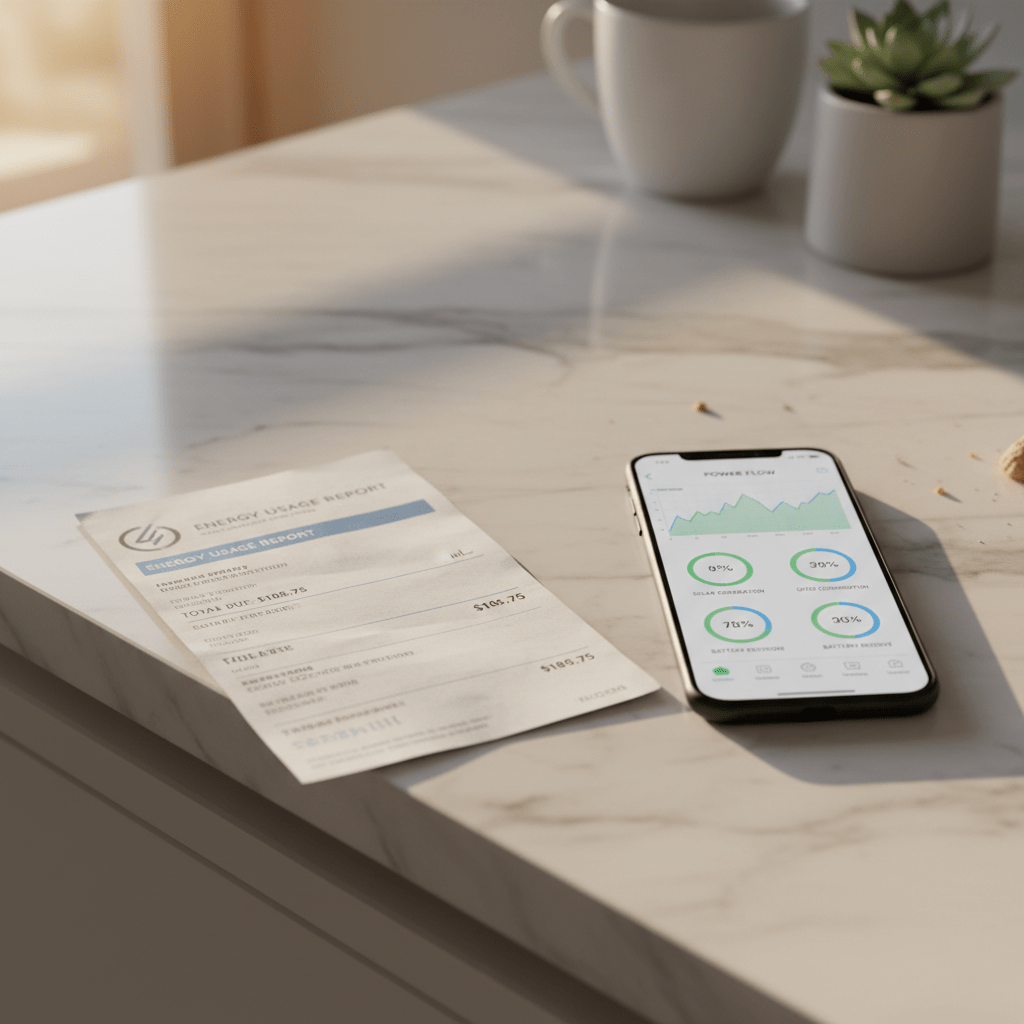
One of the most common questions from smart home beginners is: after I buy all the devices, how much does it cost to keep running them every month? The answer is more nuanced than most guides admit.
There are two categories of ongoing cost that almost nobody explains clearly: electricity consumption from devices in standby mode, and optional subscription fees for cloud services. Understanding both helps you make informed buying decisions and avoid unexpected monthly bills.
1. The Two Types of Smart Home Costs (Most People Miss One)
Type 1: Electricity Consumption
Every smart home device draws power even when you are not actively using it. Smart bulbs in standby, cameras watching 24/7, smart speakers waiting for a wake word — all of these consume a small but real amount of electricity continuously. Over a month across 10-20 devices, this adds up to a measurable electricity cost.
Type 2: Subscription Services
Many smart home devices are sold cheaply with the intention of charging you monthly for cloud storage, advanced features, or professional monitoring. Ring cameras require Ring Protect for video history. Arlo cameras require Arlo Secure for AI detection. SimpliSafe requires a monitoring subscription for alarm response. These subscriptions are optional but meaningfully reduce the usefulness of the devices without them.
The good news: subscriptions are avoidable with the right buying choices. Cameras with local MicroSD storage, locks with on-device code storage, and bulbs with no cloud dependency can deliver a full smart home experience with zero ongoing subscription cost.
2. Electricity Costs: Real Data Per Device
These figures are based on continuous operation at average UK/US electricity rates of approximately $0.15-0.28 per kWh:
| Device | Standby Watts | Active Watts | Monthly Cost (est.) | Notes |
| Smart bulb (Wi-Fi) | 0.3-0.5W | 8-10W | $0.05-0.15 | Per bulb, switch left ON |
| Smart speaker (Echo Dot) | 1.4W | 3-4W | $0.15-0.30 | Always listening mode |
| Smart plug | 0.3-0.5W | Varies | $0.04-0.10 | Per plug, standby only |
| Smart camera (Wi-Fi) | 2-4W | 4-7W | $0.30-0.70 | Continuous recording |
| Solar camera | 0W | 0W | $0.00 | Solar powered, no grid cost |
| Smart thermostat | 1-2W | 2-4W | $0.10-0.20 | Screen always on |
| Smart lock (Wi-Fi) | 0.5-1W | 1-2W | $0.05-0.12 | Battery powered = $0 |
| Video doorbell (wired) | 2-3W | 3-6W | $0.20-0.45 | Continuous standby |
| Smart hub/bridge | 1-2W | 2-3W | $0.10-0.20 | If applicable |
Real Household Example: A home with 10 smart bulbs, 2 Echo Dots, 3 smart cameras, 1 thermostat, and 4 smart plugs draws approximately 18-28 watts continuously in standby. At $0.20/kWh this costs $2.60-4.00 per month in electricity — less than a cup of coffee.
3. Subscription Fees: What You Can Avoid and What You Cannot
| Service | Monthly Cost | Avoidable? | How to Avoid |
| Ring Protect (cameras) | $3.99-10/cam | Yes | Use Reolink or Eufy with free local storage |
| Arlo Secure | $4.99-12.99/mo | Yes (partial) | Reolink gives free AI detection |
| Google Nest Aware | $8-15/mo | Yes | Use non-Nest cameras with local storage |
| SimpliSafe monitoring | $9.99-29.99/mo | Yes | Self-monitor via app alerts (free) |
| Ring Alarm monitoring | $10-20/mo | Yes | Self-monitor or use SimpliSafe free tier |
| Alexa Together (seniors) | $19.99/mo | Yes | Basic Drop In is free on all Echo devices |
| Philips Hue (no sub) | $0 | N/A | No subscription ever required |
| TP-Link Kasa (no sub) | $0 | N/A | No subscription ever required |
| Wyze Cam Plus | $1.99/cam | Yes | Free person detection without Cam Plus |
4. Total Monthly Cost by Setup Size
| Setup Size | Devices | Monthly Electricity | Monthly Subscriptions |
| Starter | 1 speaker + 4 bulbs + 1 plug | $0.50-1.20 | $0 — no subscriptions needed |
| Mid-range | + smart lock + 2 cameras + doorbell | $2.50-5.00 | $0 with local storage cameras |
| Full home | + thermostat + 10+ bulbs + 3+ cameras | $4.00-9.00 | $0-10 depending on camera choice |
| Premium | Full home + professional monitoring | $5.00-12.00 | $10-50 for monitoring services |
5. Smart Home Devices That Actually Save More Than They Cost
Several smart home devices generate net savings that exceed their running costs significantly:
Smart Thermostat
Average monthly running cost: $0.10-0.20. Average monthly saving on energy bills: $15-40. Net saving per month: $15-40. Payback period on the device purchase: 3-6 months. A smart thermostat is the highest-return smart home purchase available.
Check Amazon for prices of Google Nest Thermostat
Smart Plugs With Energy Monitoring
Running cost: $0.04/month per plug. Value: identifies devices drawing phantom power — most households find $5-15/month of unnecessary standby consumption that smart schedules eliminate. Net: $5-15/month saving per plug used strategically on high-draw appliances.
Check Amazon for prices of Kasa Smart Plug EP25 with Energy Monitoring
Smart Lighting With Auto-Off Schedules
Running cost: $0.05/bulb/month standby. Saving: households that set auto-off schedules eliminate lights-left-on waste, typically saving $3-8/month across the home on lighting electricity.
6. How to Track Your Smart Home Running Costs
The most accurate method is a smart plug with energy monitoring on each device. TP-Link Kasa EP25 and Emporia Vue are the best options for real-time per-device electricity tracking.
- Plug the smart home device into the energy monitoring plug
- Run it for 7 days — the app shows daily kWh consumption
- Multiply by 4.3 for monthly kWh, then multiply by your electricity rate
- Repeat for each device to build a complete picture of your smart home running cost
For most households this exercise confirms the monthly cost is $2-8 — and often reveals non-smart devices (old TVs, gaming consoles in standby) drawing far more phantom power than any smart device.
7. Hidden Costs Beginners Do Not Expect
MicroSD Cards for Cameras
If you choose cameras with local storage (the recommended approach to avoid subscriptions), each camera needs a MicroSD card. A high-endurance 256GB card costs $20-30. Budget one per camera in your initial hardware cost.
Wi-Fi Extenders
Smart devices at the perimeter of your home — outdoor cameras, doorbells, garage sensors — often sit at the edge of Wi-Fi coverage. A Wi-Fi extender at $25-40 is frequently necessary to maintain reliable connections. Plan for at least one if your home is larger than 1,500 square feet.
Replacement Batteries
Battery-powered smart devices — wireless cameras, smart locks, sensors, and doorbells — require periodic battery replacement. A doorbell camera on 4 AA batteries at full activity lasts 1-3 months. Budget $5-15 per year per battery-powered device.
App or Platform Lock-In
If you choose devices that only work within one manufacturer ecosystem and that manufacturer changes pricing or discontinues cloud services, your devices may lose functionality. Choosing Matter-certified devices mitigates this risk by ensuring local operation continues regardless of cloud status.
8. Frequently Asked Questions
Does a smart home significantly increase electricity bills?
No — for most households the increase is $2-8 per month in extra electricity for all smart devices combined. This is consistently less than people expect and far less than the typical $15-40/month saving a smart thermostat delivers. The net financial impact of a smart home is usually positive.
Which smart home devices have no ongoing costs at all?
Smart bulbs from Kasa, Wyze, Govee, and LIFX have no subscription fees. Smart locks from August, Schlage, and Wyze have no subscription requirements for core functionality. Reolink and Eufy cameras provide free AI detection and local storage. A complete smart home built from subscription-free devices has zero ongoing service fees beyond minimal electricity costs.
Can I run a smart home completely free after the initial purchase?
Yes — with the right buying choices. Choose cameras with local MicroSD storage (Reolink, Eufy), smart locks with local code storage (Schlage Encode Plus stores codes on-device), and smart bulbs with no cloud subscription (Kasa, Wyze). The only ongoing cost is the additional $2-8/month in electricity, which is offset by thermostat savings if you have one.
Do smart home devices use electricity when turned off via the app?
Smart bulbs and smart plugs draw a small standby current (0.3-0.5 watts) when turned off via the app but while the physical switch remains on. This is necessary to maintain Wi-Fi connectivity so the device can respond to turn-on commands. At $0.15/kWh, a single bulb in this state costs approximately $0.03-0.05 per month — negligible across a normal installation.
Are there any smart home devices with zero electricity running cost?
Solar-powered cameras (Reolink Argus 4 Pro, Eufy SoloCam S340) draw zero grid electricity when solar panels are receiving adequate light. Battery-powered smart locks draw power from replaceable batteries rather than mains electricity. Smart plugs only consume standby power when a device is plugged in.
How does smart home electricity cost compare with a traditional home?
A traditional home without smart devices still has phantom power consumption from TVs, game consoles, microwaves, and chargers in standby — typically $5-15/month. Smart home devices add $2-8/month to this. However, the smart thermostat saving of $15-40/month makes a smart home measurably cheaper to run than a non-smart home with the same appliances.
9. The Honest Bottom Line
Smart home running costs are significantly lower than most people assume before they research them. The electricity cost for a full home setup — cameras, bulbs, speakers, thermostat, lock — is $4-12 per month. Subscriptions are entirely optional with the right buying choices and can be reduced to zero.
The financial argument for a smart home is actually strongest when you factor in the savings. A smart thermostat saves $15-40 per month. Smart plugs eliminating phantom power save $5-15 per month. Smart lighting schedules save $3-8 per month on electricity. The total monthly saving from these three device categories alone ($23-63) exceeds the running cost ($4-12) by a factor of 2-5x.
The net reality: a properly configured smart home does not cost you money to run every month. It saves you money.
Read next: Smart Home Guide for Beginners 2026
You Might Also Like

James is the voice behind our beginner-friendly setup guides. As a self-taught smart home enthusiast, he understands exactly what first-time buyers need to know.
All articles by James →