
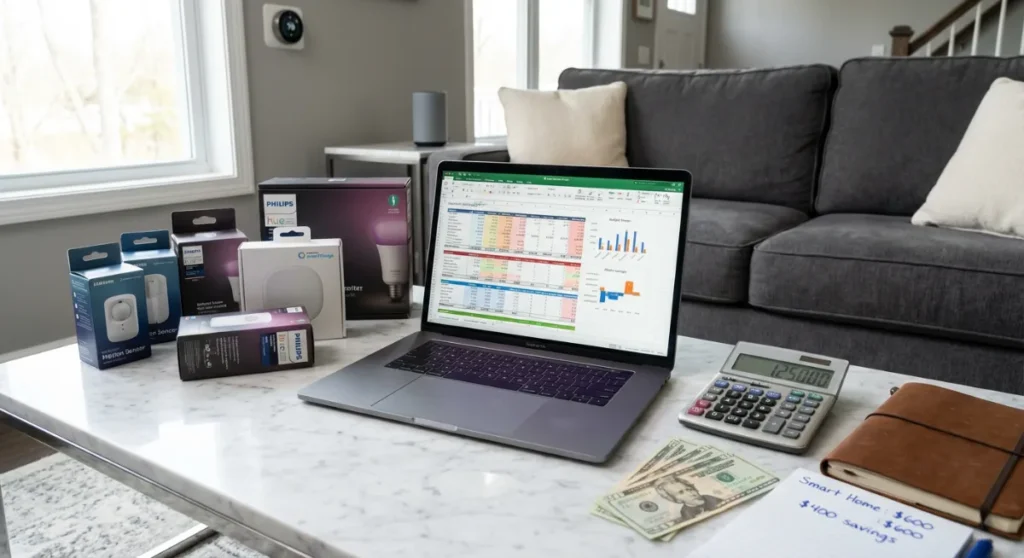
Your neighbor just spent $12,000 on a smart home system that turns his lights on and off. You? You’re wondering if you can afford the $50 smart bulb starter pack without eating ramen for a week.
Here’s the brutal truth: most people approach smart home budgeting like they’re shopping for groceries—grabbing whatever looks cool without a plan, then wondering why their bank account resembles a crime scene.
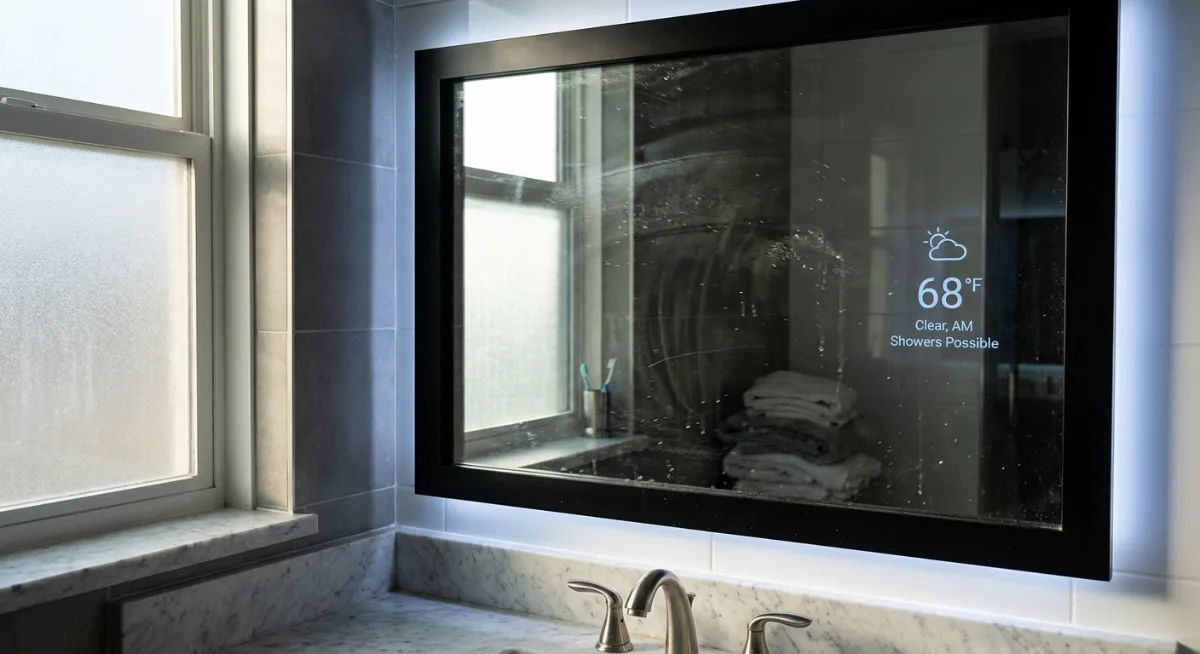
I’ve watched friends blow through thousands on gadgets they barely use (looking at you, $300 smart mirror that now displays the weather while collecting dust). But I’ve also seen people create incredible smart homes for under $500 by thinking strategically.
Read the Next Article: How Best to cut Energy Cost by 30%
The difference? They planned their smart home budget like a pro instead of a kid in a candy store.
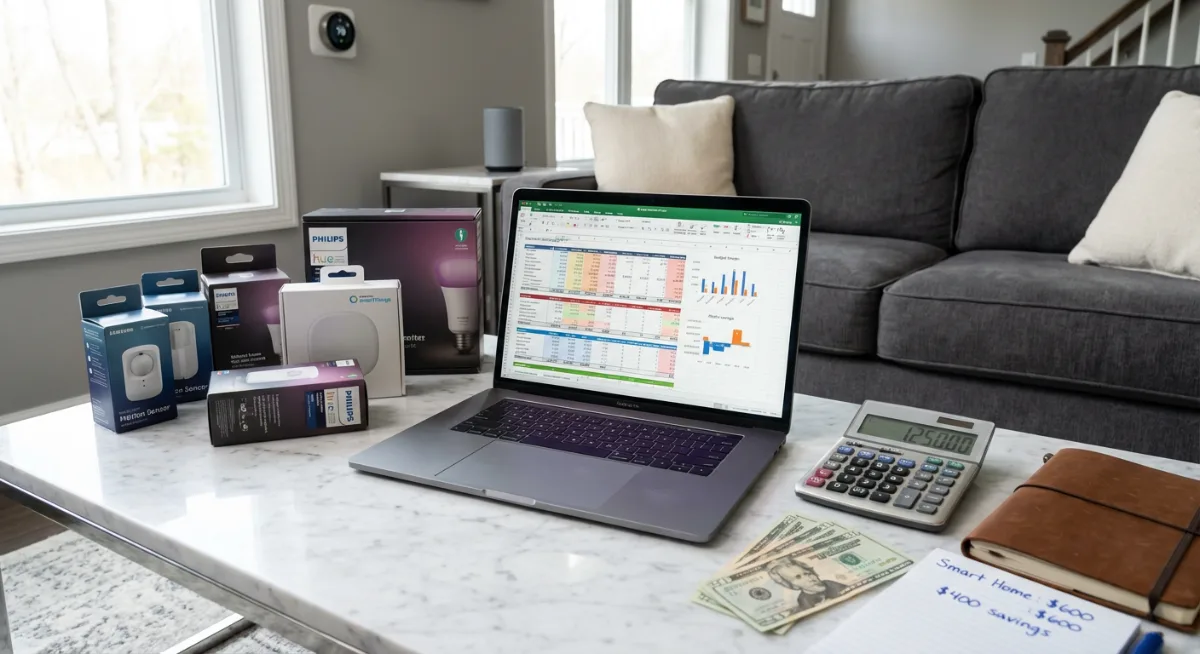
Why Most Smart Home Budgets Crash and Burn
Walk into any Best Buy and you’ll see the smart home section designed like a casino—bright lights, endless possibilities, and zero sense of what anything actually costs to implement properly.
The average person walks out with a random collection of incompatible devices that can’t talk to each other. It’s like buying a steering wheel, two tires, and a horn, then wondering why your car won’t run.
Here’s what typically goes wrong:
- Buying devices from different ecosystems that don’t play nice together
- Underestimating installation costs (spoiler: that “DIY” smart thermostat might need an electrician)
- Ignoring monthly subscription fees that add up faster than streaming services
- Focusing on flashy features instead of solving actual problems
The smart home industry loves this chaos. They make more money when you buy five different hubs instead of planning one cohesive system.
Start With Your “Why” (Not Your Wallet)
Before you even look at prices, ask yourself: what problems am I actually trying to solve?
Are you tired of coming home to a dark house? Want to stop worrying whether you locked the front door? Sick of manually adjusting the thermostat every day?
I learned this lesson the hard way after spending $200 on a smart doorbell that mostly captured videos of my neighbor’s cat. Turns out, package theft wasn’t actually my problem—forgetting to lock the door was.
Make a list of your top three smart home frustrations. Not the cool things you saw on Instagram. Your actual, daily annoyances.
This simple step will save you hundreds because it prevents you from buying solutions to problems you don’t have.
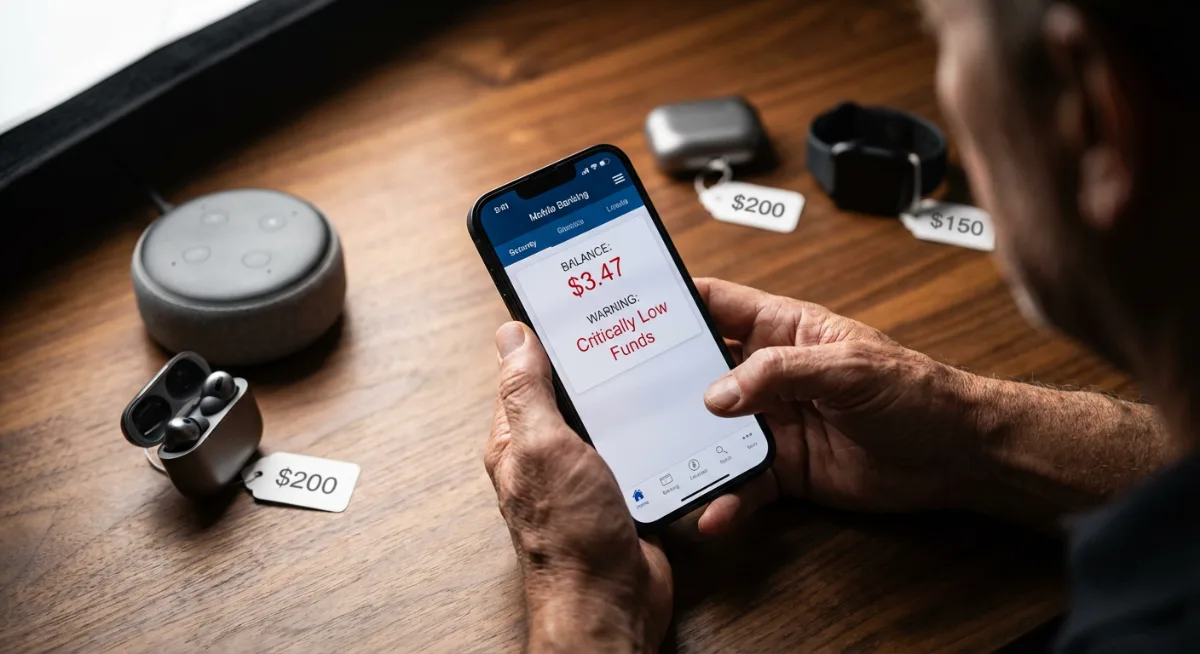
The 80/20 Rule for Smart Home Priorities
Focus on the 20% of smart home features that will solve 80% of your problems. For most people, that’s:
- Smart lighting (convenience and energy savings)
- Smart locks (security and peace of mind)
- Smart thermostats (comfort and utility bill relief)
Everything else? That’s dessert, not dinner.
The Three-Tier Budget Framework That Actually Works
Forget those cookie-cutter budget calculators that tell you to spend 2% of your home value on smart tech. Your situation is unique, and your budget should reflect that.
Instead, use this three-tier approach:
Tier 1: Essential Foundation ($200-$500)
This covers the basics that deliver immediate value. Think of it as your smart home’s skeleton—not sexy, but absolutely necessary.
- Smart hub or voice assistant (Amazon Echo, Google Nest, or Samsung SmartThings Hub)
- 3-5 smart bulbs for main living areas
- One smart switch for a frequently used light
- Smart plug for a lamp or appliance
This tier lets you test the waters without diving into the deep end. You’ll learn how you actually use smart home tech before committing serious money.
Tier 2: Comfort and Convenience ($500-$1,500)
Once you’ve lived with Tier 1 for a few months, you’ll know what’s actually useful. This tier adds the features that make daily life noticeably better.
- Smart thermostat (hello, utility bill savings)
- Smart lock for your front door
- Smart doorbell or security camera
- Additional switches and sensors
- Voice control expansion to more rooms
Most people find this sweet spot perfectly satisfying. You’re not living in a sci-fi movie, but your home is genuinely smarter and more efficient.
Tier 3: The Full Experience ($1,500+)
This is where smart homes get fun—and expensive. Only go here if Tiers 1 and 2 have proven their worth in your daily routine.
- Whole-house audio systems
- Advanced security systems with multiple cameras
- Smart appliances (refrigerator, washer, etc.)
- Automated window treatments
- Professional installation and setup
The trick is resisting the urge to jump straight to Tier 3 because you saw it in a YouTube video.
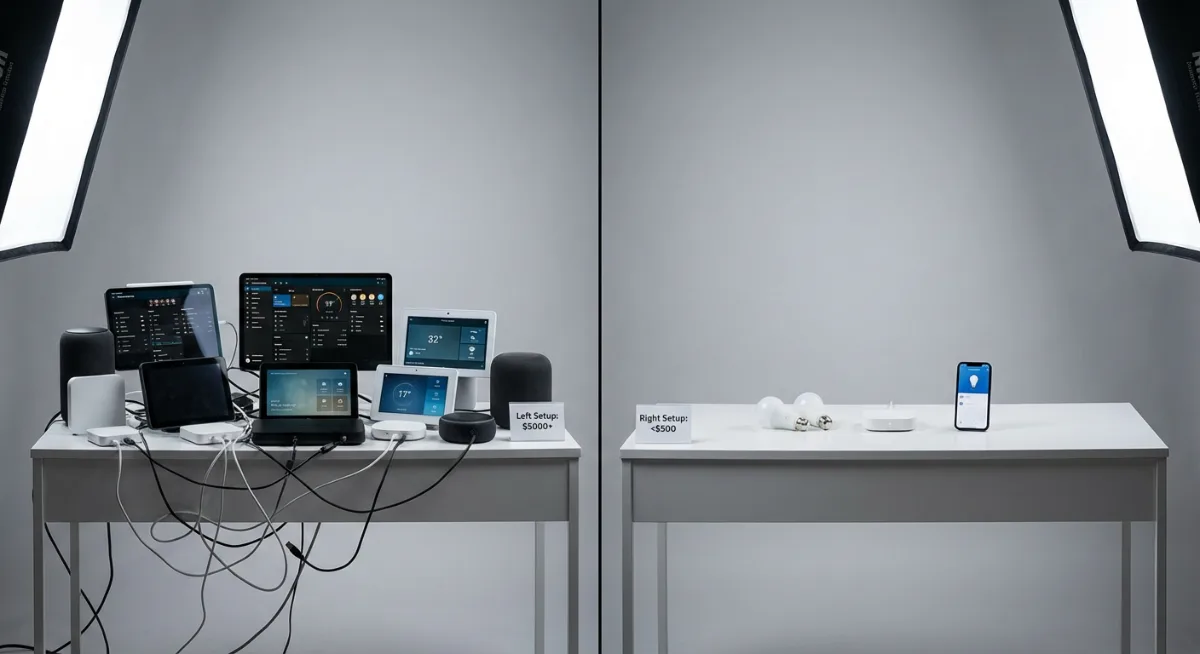
Hidden Costs That’ll Ambush Your Budget
The sticker price is just the beginning. Smart home ownership comes with ongoing costs that manufacturers conveniently forget to mention prominently.
Subscription Creep Is Real
That $99 security camera seems reasonable until you discover it needs a $10/month cloud storage plan to actually save footage. Suddenly your annual cost jumped by $120.
Common subscription traps:
- Security camera cloud storage ($5-20/month per camera)
- Professional monitoring services ($15-40/month)
- Advanced features for smart hubs ($3-15/month)
- Music streaming for multi-room audio ($10-15/month)
Add a “subscription buffer” of $25-50/month to your budget. Trust me on this one.
The Installation Reality Check
YouTube makes everything look easy. Reality is more complicated.
That smart thermostat installation? If your system is older or your wiring is quirky (and whose isn’t?), you might need an HVAC technician. Budget $100-200 for professional installation of “easy DIY” projects.
Smart switches often require neutral wires that older homes don’t have. Rewiring costs $200-500 per switch.
Always have a Plan B—and a buffer in your budget for when Plan A goes sideways.
Choosing Your Smart Home Ecosystem Without Losing Your Mind
This decision will make or break your smart home budget. Choose wrong, and you’ll spend years buying expensive adapters and replacements.
The big three ecosystems are Amazon Alexa, Google Assistant, and Apple HomeKit. Each has pros and cons, but here’s what really matters for your budget:
Amazon Alexa: The Budget-Friendly Giant
Alexa works with everything, and I mean everything. If a device has smart features, there’s probably an Alexa skill for it.
Pros: Cheapest entry point, widest device compatibility, frequent sales on Echo devices
Cons: Privacy concerns, can feel overwhelming with too many options
Best for: Budget-conscious buyers who want maximum flexibility
Google Assistant: The Smart Middle Ground
Google hits the sweet spot between features and simplicity. Their devices are well-designed and the Assistant actually understands natural language better than Alexa (in my experience).
Pros: Excellent voice recognition, good integration with Google services, reasonable prices
Cons: Fewer compatible devices than Alexa, Google’s history of discontinuing products
Best for: People who already use Google services extensively
Apple HomeKit: Premium but Polished
HomeKit devices cost more upfront but tend to work more reliably together. Everything feels more finished and secure.
Pros: Excellent privacy, seamless integration, high build quality
Cons: Higher prices, fewer compatible devices, requires Apple devices for full functionality
Best for: iPhone users who prioritize privacy and are willing to pay more for polish
Pick one ecosystem and stick with it. Mixing and matching might seem smart, but it’s a budget killer.
The Smart Shopper’s Guide to Not Getting Ripped Off
Smart home devices follow predictable price cycles. Learn these patterns and save serious money.
When to Buy (And When to Wait)
Black Friday and Prime Day get all the attention, but the real deals happen:
- January-March: New models come out at CES, so last year’s models go on clearance
- Back-to-school season (August): Retailers clear summer inventory
- Right before new product launches: Follow tech blogs to know when updates are coming
Never buy smart home tech in April or May. Prices are highest because retailers know people are thinking about summer home projects.
Where to Find the Real Deals
Amazon gets the headlines, but don’t ignore:
- Costco and Sam’s Club (excellent return policies for electronics)
- Direct from manufacturer websites (often have exclusive bundles)
- Local utility company rebate programs (especially for smart thermostats)
- Refurbished devices from reputable sellers
Speaking of refurbished: I’ve bought several “open box” smart devices from Best Buy that were returned but never used. Same warranty, 20-30% savings.
DIY vs. Professional Installation: The Real Cost Breakdown
The smart home industry wants you to think everything is “easy DIY installation.” Sometimes that’s true. Often it’s not.
Here’s my honest assessment of what’s actually DIY-friendly:
True DIY (Save Your Money)
- Smart plugs and bulbs (if you can screw in a light bulb, you’re good)
- Wireless security cameras
- Smart speakers and displays
- Most sensors and smart home hubs
Maybe DIY (Proceed With Caution)
- Smart switches (depends on your home’s wiring)
- Smart thermostats (newer homes usually fine, older homes often need professional help)
- Hardwired security systems
- Smart garage door openers
Definitely Professional (Don’t Risk It)
- Whole-house automation systems
- Hardwired lighting systems
- Security systems with monitoring
- Anything requiring new electrical work
Professional installation typically costs $100-300 per device, but factor in your time, frustration, and potential repair costs if you mess up.
Honestly? I’ve learned that some things are worth paying someone else to handle. My Saturday is worth more than the $150 I’d save installing a smart thermostat myself.

Building Your Budget Timeline (Because Rome Wasn’t Built in a Day)
The biggest budget mistake? Trying to do everything at once.
Smart homes work best when they evolve gradually. You learn what you actually use, what’s worth upgrading, and what’s just expensive clutter.
Year One: Foundation and Learning
Budget: $300-600
Focus on 2-3 core functions that solve your biggest daily frustrations. Maybe that’s smart lighting for convenience and a smart lock for security.
Spend this year paying attention to your usage patterns. Which features do you use daily? Which seemed cool but got forgotten after a week?
Year Two: Strategic Expansion
Budget: $400-800
Build on what’s working from Year One. If you love smart lighting, add more switches and sensors. If security is your thing, expand your camera system.
This is when many people add a smart thermostat—the utility bill savings help justify the investment.
Year Three and Beyond: Refinement and Upgrades
Budget: $200-500 annually
Replace devices as they wear out (yes, they will), upgrade to newer versions with better features, or add niche solutions for specific problems.
By now you know your system inside and out. Your purchases become more targeted and less experimental.
Tools Worth Checking Out
These tools and products can help you stay on budget while building a smart home that actually works:
- Wyze Smart Home Starter Kit – Incredible value for budget-conscious beginners
- TP-Link Kasa Smart Plugs – Reliable, affordable way to make any device “smart”
- Ecobee Smart Thermostat – Best balance of features and utility rebates
- Philips Hue Color Starter Kit – Premium lighting that’s worth the investment
- Samsung SmartThings Hub – Great for connecting devices from different brands
Red Flags That’ll Torpedo Your Budget
Watch out for these budget killers:
The “Smart Everything” Trap
Smart salt shakers exist. That doesn’t mean you need one.
Just because something can be smart doesn’t mean it should be. Stick to devices that solve real problems or provide genuine convenience.
Proprietary Ecosystem Lock-In
Some companies create their own islands of compatibility. Their devices only work with their apps and services.
This might seem fine initially, but it limits your future options and can trap you into expensive upgrades when they decide to change directions.
First-Generation Product FOMO
That brand-new smart home gadget looks amazing in reviews, but first-generation products often have bugs, compatibility issues, and higher prices.
Let early adopters be the beta testers. Wait for the second generation or significant price drops.
When to Break Your Budget Rules (And When Not To)
Sometimes breaking your budget rules makes sense. Sometimes it doesn’t.
Good reasons to exceed your planned budget:
- A device you’ve researched for months goes on sale for an unexpectedly low price
- You discover a legitimate safety or security need (like upgrading to smart smoke detectors)
- Your utility company offers rebates that make an upgrade essentially free
Bad reasons to blow your budget:
- FOMO from seeing someone else’s setup on social media
- Black Friday fever (most “deals” aren’t actually good deals)
- Thinking expensive automatically means better
The key is intentionality. Every purchase should solve a specific problem or measurably improve your daily routine.
Frequently Asked Questions
How much should I budget for my first smart home setup?
Start with $300-500 for a basic foundation. This gets you a smart hub, some lighting controls, and maybe a smart plug or two. It’s enough to experience the benefits without a huge financial commitment. You can always expand later based on what you actually use.
Is it cheaper to buy smart home devices individually or in bundles?
Bundles are usually cheaper upfront, but they often include devices you might not need. Buy starter bundles for your core ecosystem (like an Echo with smart bulbs), but purchase additional devices individually based on your specific needs. You’ll avoid paying for things that’ll sit unused.
Should I factor in energy savings when budgeting for smart home devices?
Yes, but be realistic. Smart thermostats can save $100-200 annually on energy bills. Smart lighting saves much less unless you frequently leave lights on. Don’t use optimistic energy savings projections to justify expensive purchases—treat savings as a nice bonus, not the primary reason to buy.
How often do smart home devices need to be replaced?
Most quality smart home devices last 3-5 years. Budget about 20% of your total smart home value annually for replacements and upgrades. Some devices (like smart bulbs) may last longer, while others (especially first-generation products) might need earlier replacement.
What’s the biggest budget mistake people make with smart homes?
Trying to do everything at once. People see complete smart home setups online and want to recreate them immediately. This leads to overspending on devices that don’t work well together and solving problems they don’t actually have. Start small, learn what you value, then expand strategically.
Are subscription fees really necessary for smart home devices?
Many devices work fine without subscriptions, but you’ll miss advanced features. Security cameras often require subscriptions for cloud storage and AI features. Smart speakers work without subscriptions but lose some functionality. Budget $20-40/month for subscriptions if you want full functionality from your devices.
Your smart home budget doesn’t have to be perfect from day one. It needs to be thoughtful, realistic, and flexible enough to evolve as you learn what actually makes your life better.
Start with the basics, focus on solving real problems, and resist the urge to buy everything at once. Your bank account—and your future self—will thank you when you’re living in a genuinely smart home instead of an expensive collection of gadgets gathering dust.
The best smart home is the one you actually use every day, not the one that impresses visitors for five minutes.
You Might Also Like

James is the voice behind our beginner-friendly setup guides. As a self-taught smart home enthusiast, he understands exactly what first-time buyers need to know.
All articles by James →