
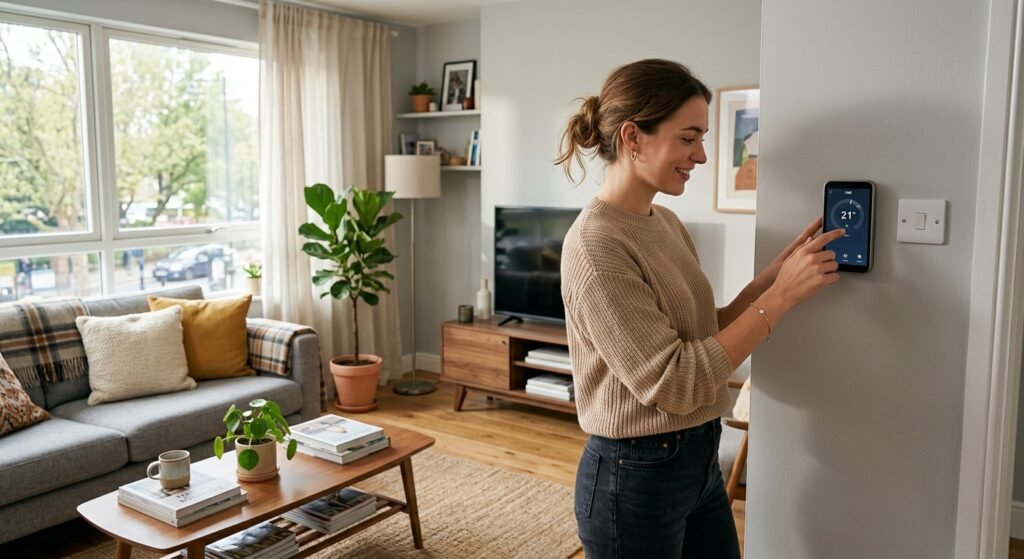
Quick Answer: Yes, renters can install a smart thermostat — the key is choosing one that does not require rewiring and can be removed when you move. The best overall pick for renters is the Google Nest Thermostat, and the best option for homes without a C-wire is the Nest Thermostat E. Always check your lease and get landlord permission first, keep your original thermostat, and reinstall it before move-out. Renters typically save 8-15% on heating and cooling bills, and the thermostat goes with you to your next home.
1. Can Renters Even Install a Smart Thermostat?
Yes — and it is one of the best smart home upgrades a renter can make, because unlike built-in fixtures, a smart thermostat goes with you when you move. The common assumption that smart thermostats are only for homeowners is wrong. The key is choosing a renter-friendly model that installs without permanent changes and removes cleanly at move-out.
The three things every renter needs to check before buying are: whether your lease permits it, whether your heating system has a C-wire (or whether you need a no-C-wire model), and whether your HVAC system is compatible. Get those three right, and a smart thermostat is a genuinely renter-friendly purchase that saves money and moves with you.
The Renter Advantage: A smart thermostat is one of the few smart home upgrades that is fully portable. You install it, enjoy the savings and comfort while you rent, then uninstall it and take it to your next home — reinstalling your landlord original thermostat before you leave. Your investment moves with you.
2. The C-Wire Question (Most Important for Renters)
The single most important technical detail for renters is the C-wire (common wire). Many smart thermostats need a C-wire to power themselves continuously. Older rentals often do not have one, which is where renters get stuck.
Also read 5 Best Wifi Thermostats
You have two options if your rental lacks a C-wire:
- Choose a thermostat that does not need a C-wire — the Nest Thermostat E and the standard Google Nest Thermostat work without one in many homes, making them ideal for renters.
- Use an included Power Extender Kit — Ecobee thermostats include a kit that provides power without a C-wire in many setups.
Before buying any thermostat, use the manufacturer online compatibility checker — enter your current thermostat wiring and it tells you instantly whether the model works with your system. This one check saves renters the most frustration.
3. Check Your Lease First
Before installing anything, check your lease. Replacing a thermostat may count as an alteration to the property, even though the change is small and reversible. Some leases prohibit any modification; others are lenient. When in doubt, ask your landlord — many are happy to allow it, and some are even pleased, since a smart thermostat can make the property more attractive and energy efficient.
When you ask permission, reassure your landlord with these points:
- You will pay for the thermostat yourself
- The installation involves no permanent changes to the property
- You will keep the original thermostat safely
- You will reinstall the original thermostat before move-out if required
Important: Some apartments have communal or building-controlled heating and cooling, where a personal smart thermostat will not work. Confirm how your heating is controlled before buying — if it is centrally controlled by the building, a smart thermostat may not be an option.
4. Best Overall for Renters: Google Nest Thermostat
The Google Nest Thermostat is the best overall choice for most renters. It is mostly controlled wirelessly, requires minimal tools and preparation, works without a C-wire in many homes, and installs and removes cleanly. It learns your schedule, is controlled by app and voice, and looks attractive on the wall. For the balance of ease, price, savings, and renter-friendliness, it is the top pick.
Also read Best Smart Thermostat in 2026
Google Nest Thermostat — best overall for renters, no C-wire in many homes — ~$100-130
5. Best Without a C-Wire: Nest Thermostat E
If your rental definitely lacks a C-wire, the Nest Thermostat E is a hidden gem for renters. It brings most of the features of the more expensive Nest models in a version that is more accessible and renter-friendly. It is compatible with most 24V HVAC systems, often works without a C-wire, and its wireless module connects to your heating without physically wiring anything in — no professional installer needed. Its soft frosted display blends into any space.
Nest Thermostat E — best no-C-wire option for renters — ~$120-150
6. Best for Even Temperatures: Ecobee
If your rental has rooms that run hot or cold, the Ecobee is the best renter choice because it includes a room sensor and an included Power Extender Kit that enables installation without a C-wire in many homes. The room sensor balances temperature across rooms, and the Premium model even doubles as an Alexa speaker. It installs and removes cleanly for move-out like the others.
Ecobee Smart Thermostat — room sensor + no-C-wire kit included — ~$150-220
7. How Much Renters Actually Save
Honest savings figures matter, and the estimates vary by source:
| Source | Estimated Annual Saving | Notes |
| ENERGY STAR | ~8% (~$50/year) | Conservative independent estimate |
| Google Nest | ~$140/year average | Manufacturer estimate |
| Ecobee | Up to 20-23% | Manufacturer high-end estimate |
| Realistic renter range | 8-15% of heating/cooling | Most renters land here |
Heating and cooling can make up almost half of a typical household energy bill, so even the conservative 8% estimate is meaningful — and because you take the thermostat with you, the savings continue across every home you rent. Over several years and multiple rentals, a smart thermostat pays for itself many times over.
8. How to Install and Uninstall for Move-Out
- 1. Before starting, photograph your existing thermostat wiring so you can restore it exactly at move-out.
- 2. Turn off power to your HVAC system at the breaker for safety.
- 3. Remove the old thermostat and keep it, with its screws, in a safe labelled bag.
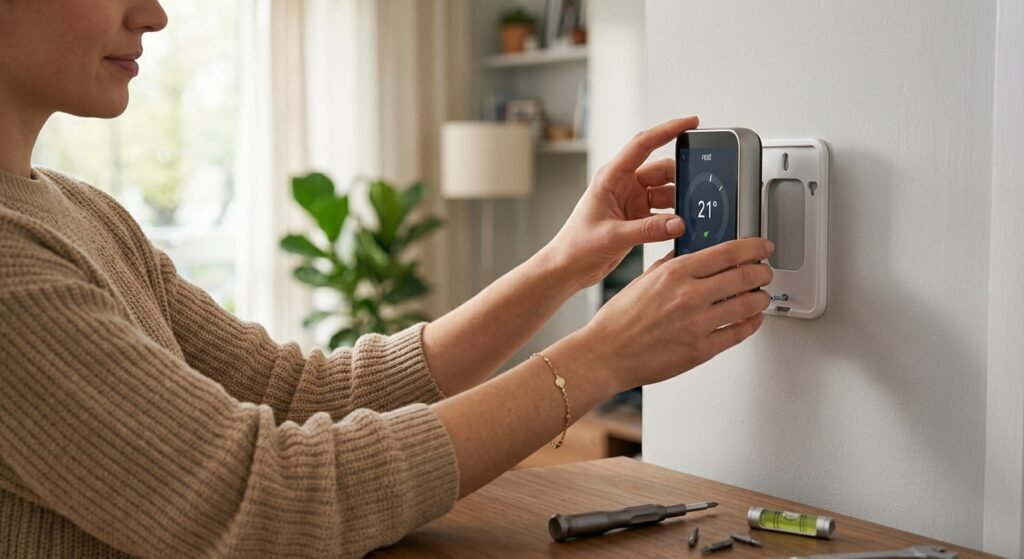
- 4. Use the manufacturer app to guide installation of the smart thermostat — most walk you through step by step.
- 5. Connect it to Wi-Fi, set your schedule, and enjoy the savings while you rent.
- 6. At move-out, reverse the process: remove the smart thermostat (take it with you) and reinstall the original using your photo as a guide.
9. What to Do at Move-Out
When you move, uninstall your smart thermostat and reinstall the landlord original thermostat (this is why keeping it safe matters). Take your smart thermostat to your new home and reinstall it there. This portability is the whole point — your investment and savings move with you.
If you got written landlord permission at the start, keep that record. Reinstalling the original thermostat cleanly means no deposit disputes and no alteration concerns. Done properly, a renter can enjoy a smart thermostat across many homes with zero long-term commitment to any one property.
10. Frequently Asked Questions
Can renters install a smart thermostat without rewiring?
Yes — choose a model that works without a C-wire, like the Google Nest Thermostat or Nest Thermostat E, or an Ecobee with its included Power Extender Kit. These install with minimal tools and no permanent rewiring, and remove cleanly at move-out. Always check your HVAC compatibility with the manufacturer online checker first.
Do I need my landlord permission to install a smart thermostat?
It is strongly recommended and often required. Replacing a thermostat may count as an alteration to the property. Check your lease, and when in doubt ask your landlord — reassure them that you will pay for it, make no permanent changes, keep the original thermostat, and reinstall it before move-out. Many landlords are happy to allow it.
What is a C-wire and why does it matter for renters?
A C-wire (common wire) provides continuous power to a smart thermostat. Many older rentals lack one. If yours does, choose a no-C-wire model (Nest Thermostat or Thermostat E) or an Ecobee with its included Power Extender Kit. Checking for a C-wire before buying is the single most important step for renters.
How much can a renter save with a smart thermostat?
Estimates range from about 8% (~$50/year) per ENERGY STAR to around $140/year per Google Nest, with most renters saving 8-15% of heating and cooling costs. Because heating and cooling can be nearly half of an energy bill, the savings are meaningful — and they continue across every home you rent, since you take the thermostat with you.
Can I take my smart thermostat when I move?
Yes — this is the biggest advantage for renters. A smart thermostat installs and removes cleanly, so you uninstall it at move-out (reinstalling the landlord original), take it to your new home, and reinstall it there. Your investment and savings move with you across every rental.
Which smart thermostat is best for an apartment?
The Google Nest Thermostat is the best overall for most apartments — easy to install, works without a C-wire in many homes, and renter-friendly. If your apartment definitely lacks a C-wire, the Nest Thermostat E is ideal. If you have rooms that run hot or cold, the Ecobee with its room sensor is the better choice. Always confirm your building does not use central controlled heating first.
The Bottom Line
Renters absolutely can enjoy a smart thermostat — and should, because it is one of the few smart home upgrades that moves with you. The best overall pick is the Google Nest Thermostat; the best no-C-wire option is the Nest Thermostat E; and for uneven temperatures, the Ecobee with its included Power Extender Kit. The three things to check first are your lease, your C-wire situation, and your HVAC compatibility. Get landlord permission, keep your original thermostat, and reinstall it at move-out. Renters typically save 8-15% on heating and cooling, and because the thermostat comes with you to every new home, it pays for itself many times over. Do it right and you get comfort, savings, and control — with no permanent commitment to any one rental
You Might Also Like

Marcus spent 8 years as a residential technology consultant before founding Smart Home Advisor Hub in 2024. He has personally tested over 200 smart home devices.
All articles by Marcus →