
Remember when setting up a “smart” device meant spending three hours on the phone with tech support, reading manuals written in what appeared to be ancient hieroglyphics, and questioning your life choices? Yeah, those days are mostly behind us. But here’s the kicker — even in 2026, I still meet people who think smart plugs are some kind of technological wizardry reserved for MIT graduates.
Plot twist: They’re not.
If you can plug in a toaster, you can set up a smart plug. And I’m about to prove it to you in two minutes or less. No PhD required, no tech support calls, and definitely no existential crises about whether you’re “smart” enough for smart home tech.
Why Your Uncle Bob Still Doesn’t Trust Smart Plugs (And Why He Should)
Look, I get it. The whole “smart home” thing can feel overwhelming. Every week there’s some new gadget promising to revolutionize your morning coffee routine or turn your house into something out of a sci-fi movie. But smart plugs? They’re the gateway drug to home automation — and the good kind of gateway drug, if such a thing exists.
Here’s what smart plugs actually do: They turn any regular appliance into a “smart” one. That ancient coffee maker from 2015? Smart. Your grandmother’s lamp from 1987? Smart. Your kid’s gaming console that’s somehow always left on? Smart (and now controllable from your phone when you’re three states away).
The magic isn’t really magic at all. It’s just a plug with a Wi-Fi chip and an app. Revolutionary? Maybe not. Life-changing? Absolutely.
The Real 2-Minute Setup Process (No Marketing Fluff)
Most setup guides either assume you’re a complete tech novice (which can be patronizing) or that you already know what a “protocol” is (which can be intimidating). I’m going to assume you’re somewhere in the middle — smart enough to follow directions but busy enough to want this done quickly.
Read Next Article: How to reset smart bulb.
Step 1: Unbox and Plug In (30 seconds)
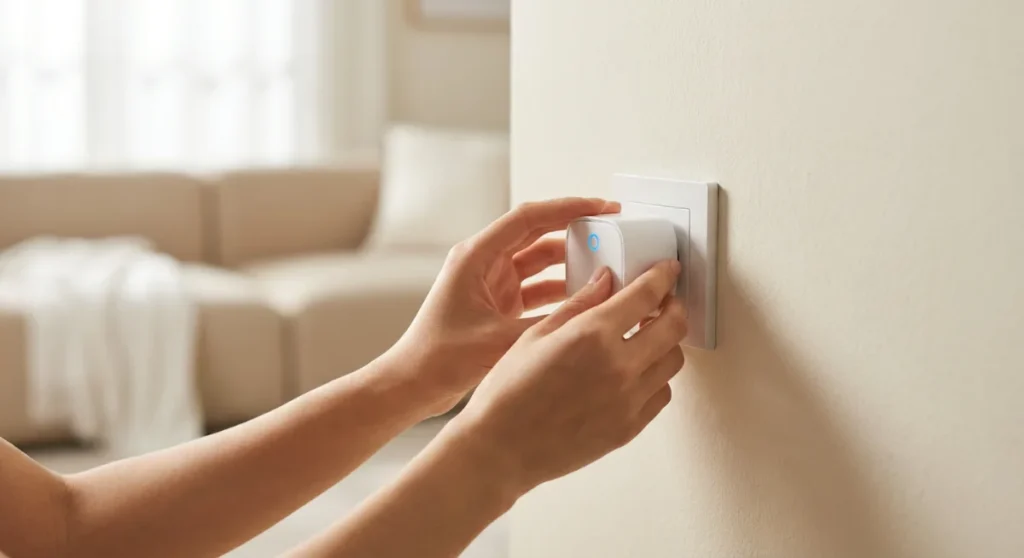
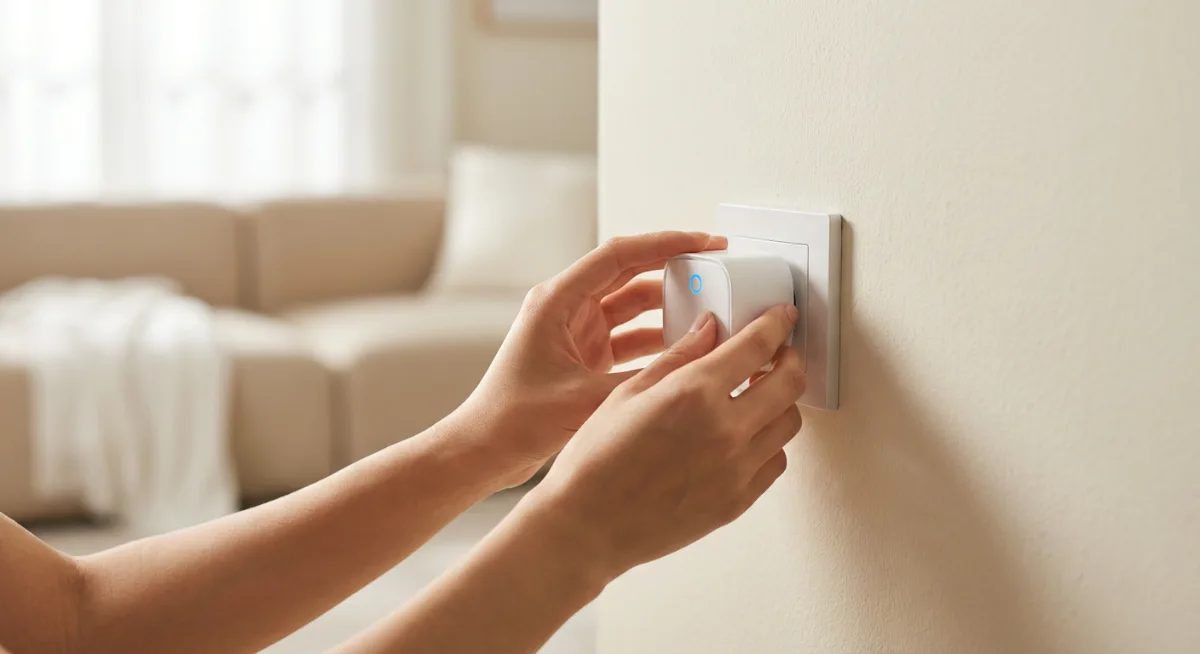
This might seem obvious, but you’d be surprised how many people overthink this part. Take the smart plug out of the box. Plug it into any wall outlet. That’s it. No special requirements, no need to find the “perfect” location to start with. You can always move it later.
Pro tip: Choose an outlet that’s not behind heavy furniture for your first attempt. Trust me on this one — I once spent twenty minutes trying to get my phone close enough to a plug wedged behind my couch to complete setup. Not my finest moment.
Step 2: Download the App (60 seconds)
Every smart plug comes with a companion app. The big players in 2026 — Kasa by TP-Link, Amazon Smart Plug, and Wyze — all have apps you can find in about 10 seconds on your phone’s app store.
Download it. Create an account if you need to (most apps walk you through this). The whole process takes less time than deciding what to watch on Netflix.
Step 3: The Magic Connection Dance (30 seconds)
Here’s where things get slightly more interesting. Most modern smart plugs use something called “Easy Connect” or “One-Touch Setup” or some other marketing-friendly name. What this really means: the app will find your smart plug automatically.
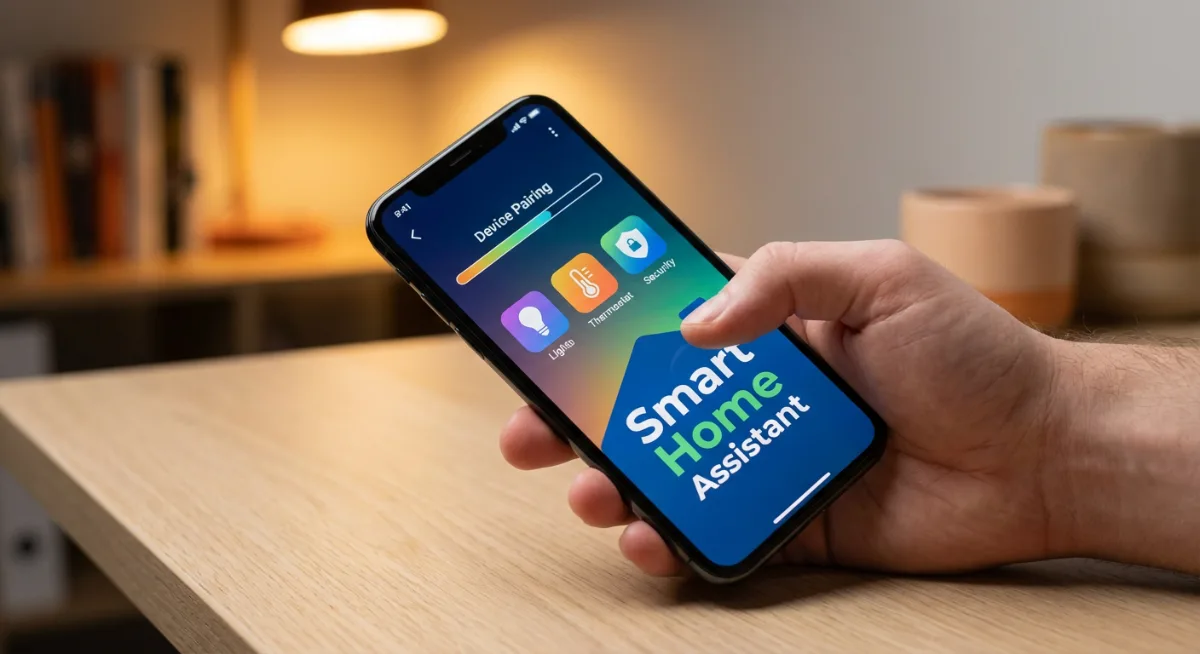
Open the app, tap “Add Device,” and wait. Your phone will do a little digital handshake with the smart plug, they’ll exchange WiFi credentials like old friends sharing secrets, and boom — connected.
If you have an older smart plug (or just bad luck), you might need to manually connect to the plug’s temporary Wi-Fi network first. The app will tell you if this is necessary. It adds maybe 30 seconds to the process.
When Things Go Sideways (Because They Sometimes Do)
Honestly, about 90% of smart plug setups work exactly as advertised. But that remaining 10%? Those can test your patience and make you question the march of technological progress.
The “Network Not Found” Mystery
This is usually a distance problem. Smart plugs need a decent Wi-Fi signal to set up properly. If your router is on the opposite end of your house, move closer for the initial setup. You can relocate the plug afterward — the initial handshake just needs a strong connection.
What most people miss is that many routers broadcast on both 2.4GHz and 5GHz networks, sometimes with different names. Most smart plugs prefer the 2.4GHz network. Check your available networks — you might see “YourNetworkName” and “YourNetworkName_5G.” Choose the one without “_5G” for setup.
The Stubborn Plug Syndrome
Sometimes a smart plug just decides to be difficult. Like a teenager being asked to clean their room, it’ll ignore your attempts to connect for no apparent reason.
The nuclear option: Hold down the reset button (usually a tiny button you’ll need a paperclip to press) for 10 seconds. This factory resets the plug. Then start over. It’s annoying, but it works about 95% of the time.
The Apps That Don’t Make You Want to Throw Your Phone
Not all smart plug apps are created equal. Some are elegant, intuitive experiences that make you feel like you’re living in the future. Others look like they were designed by someone who’s never actually used a smartphone.
Here’s my completely biased ranking of the best smart plug ecosystems in 2026:
Kasa by TP-Link: The Reliable Workhorse
The Kasa Smart Wi-Fi Plug and its app have been consistently good for years. No flashy features, no unnecessary complications. Just solid, reliable smart plug functionality. The app connects quickly, schedules work as expected, and you can control everything remotely without drama.
Best for: People who want smart plugs to work without thinking about them.
Amazon Smart Plug: The Alexa Integration Champion
If you’re already in the Amazon ecosystem, the Amazon Smart Plug is almost stupidly easy to set up. Alexa finds it automatically, and voice control works flawlessly. The Alexa app isn’t winning any design awards, but functionality-wise, it’s rock solid.
Best for: Alexa users who want voice control without thinking twice.
Wyze: The Feature-Rich Overachiever
The Wyze Smart Plug gives you more control options than you’ll probably ever use. Energy monitoring, vacation mode, sunrise/sunset scheduling — it’s all there. The app can feel overwhelming at first, but once you get comfortable, it’s incredibly powerful.
Best for: Control enthusiasts who want to schedule everything.

Beyond Basic On/Off: Making Your Smart Plugs Actually Useful
Here’s where most smart plug guides stop — right after setup. But that’s like buying a sports car and only driving it to the grocery store. Smart plugs become genuinely useful when you start thinking creatively about automation.
The Coffee Maker Hack That Changed My Mornings
I have an old coffee maker — the kind with a simple on/off switch. Every night, I prep it with water and grounds, then plug it into a smart plug. I’ve scheduled the smart plug to turn on at 6:45 AM, which means fresh coffee is waiting when I stumble downstairs at 7.
Simple? Yes. Life-changing? Also yes.
The trick is finding appliances that have mechanical switches (not digital controls). Hair straighteners, fans, some space heaters, certain lamps — if it has a physical on/off switch that stays in the “on” position when power is restored, you can automate it.
The Vacation Mode That Actually Works
Forget those mechanical timer switches from the 1980s. Smart plugs let you create realistic lighting patterns when you’re away. Instead of turning the same lamp on at 6 PM every day (screaming “nobody’s home!” to potential burglars), you can vary the timing.
Set up different schedules for different days. Have bedroom lights turn on at different times. Make it look like real people with unpredictable schedules live there.
The Energy Vampire Hunt
Some smart plugs include energy monitoring — they’ll tell you exactly how much power connected devices are using. This feature turned me into a bit of an energy detective.
Turns out my old cable box was drawing 25 watts 24/7, even when “off.” My gaming console in standby mode? Another 15 watts. Small numbers, but they add up to about $40 per year just sitting there doing nothing.
Now I have these devices on smart plugs that completely cut power when I’m not using them. It’s like finding money in your couch cushions, except better because it keeps happening every month.
The Future-Proofing Strategy Nobody Talks About
Here’s something most smart plug reviews won’t tell you: compatibility matters way more than features. That amazing smart plug with 47 different scheduling options won’t matter if it stops getting app updates in two years.
Stick with established brands that have been around for a while. TP-Link, Amazon, and Wyze have track records. That random brand on Amazon with five-star reviews (that you’ve never heard of) might make a great plug today, but will their app still work in 2027?
I learned this lesson the hard way with some off-brand smart switches I bought in 2022. Great hardware, terrible long-term support. The app started crashing after a year, and updates stopped coming. Now they’re just expensive regular switches.
Tools Worth Checking Out
If you’re ready to dive into the smart plug world, here are the specific models I’d actually recommend to friends and family:
- Kasa Smart Plug HS103 — The reliable starter option that just works
- Amazon Smart Plug — Perfect for Alexa users who want zero-friction setup
- Wyze Plug Outdoor — Weather-resistant for patio lights and outdoor decorations
- Kasa Smart Plug with Energy Monitoring — For the data nerds who want to track power usage
- Wyze Smart Plug 4-Pack — Best value for outfitting multiple rooms
The Mistakes That Make Setup Take Forever
After helping countless friends and family members set up their first smart plugs, I’ve noticed the same mistakes happening over and over. Avoid these, and your two-minute setup really will take two minutes:
The Wrong Network Drama
Your phone connects to your 5GHz network automatically because it’s faster. But your smart plug needs the 2.4GHz network to set up properly. Make sure you know both network names before you start.
This single issue accounts for about 50% of “setup problems” I’ve helped troubleshoot. Once you connect to the right network, everything else usually falls into place.
The Location Location Location Problem
Don’t try to set up a smart plug in the basement while your router is upstairs. Get a strong signal for the initial setup, then relocate if needed. Smart plugs remember Wi-Fi credentials, so once they’re connected, they’ll work fine in marginal signal areas.
The Patience Problem
Modern attention spans aren’t great, and sometimes setup takes 90 seconds instead of 30. Resist the urge to start tapping buttons or closing apps while the connection process is happening. Let the technology do its thing.
I’ve watched people sabotage perfectly good setups by getting impatient and interrupting the connection process. Give it a full two minutes before assuming something’s wrong.
Frequently Asked Questions
Do smart plugs work with any appliance?
Not quite. Smart plugs work great with devices that have mechanical on/off switches — things like lamps, fans, coffee makers, and space heaters. They won’t work well with devices that have digital controls or require button presses to turn on, like most modern TVs or computers.
How much Wi-Fi bandwidth do smart plugs use?
Almost none. A smart plug might use 1-2 MB of data per month. Unless you’re installing hundreds of them, bandwidth isn’t a concern.
Can I control smart plugs when I’m not home?
Yes, as long as your home Wi-Fi is working and your phone has internet access. This is one of the main advantages over traditional timer switches.
What happens if my Wi-Fi goes down?
The smart plug will remember its last state. If a lamp was on when Wi-Fi died, it’ll stay on. You just won’t be able to control it remotely until connectivity returns.
Are smart plugs safe to leave plugged in all the time?
Yes, they’re designed for 24/7 operation. Quality smart plugs are UL-listed and have the same safety standards as any other electrical device.
How many smart plugs can I have on one network?
Most home routers can handle 50+ smart plugs without issues. Your Wi-Fi network will become slow and unstable from other causes long before smart plugs become the limiting factor.
Do I need a smart hub for smart plugs?
Not for Wi-Fi smart plugs. They connect directly to your router. Some Zigbee or Z-Wave smart plugs require hubs, but Wi-Fi versions are hub-free and generally easier to set up.
Can multiple people control the same smart plugs?
Yes, most apps allow you to share device access with family members. Everyone can have the app and control the same devices.
Why This Actually Matters in 2026
Smart plugs aren’t going to solve climate change or revolutionize your entire life. But they represent something bigger — technology that’s finally becoming accessible, reliable, and genuinely useful without requiring a computer science degree.
The fact that we can now add smart capabilities to any appliance for less than $15 and set it up in two minutes? That’s the kind of technological progress that actually improves daily life instead of just complicating it.
And honestly, once you experience the simple pleasure of turning off a forgotten iron from three miles away, or having your living room lights automatically turn on at sunset, you’ll understand why smart plugs have quietly become one of the most popular smart home devices.
They’re not flashy. They don’t have screens or voice assistants or AI features that nobody really needs. They just work, reliably, day after day, making small parts of your life slightly more convenient.
Sometimes the best technology is the kind you stop noticing — because it’s seamlessly integrated into your routine. Smart plugs, when set up properly, become exactly that kind of invisible improvement.
So go ahead, spend those two minutes. Your future self will thank you when the coffee’s ready before you are.
You Might Also Like

James is the voice behind our beginner-friendly setup guides. As a self-taught smart home enthusiast, he understands exactly what first-time buyers need to know.
All articles by James →